Why Does Your Printer Leave Blank Spaces on Pages Even When the Ink Is Not Empty?
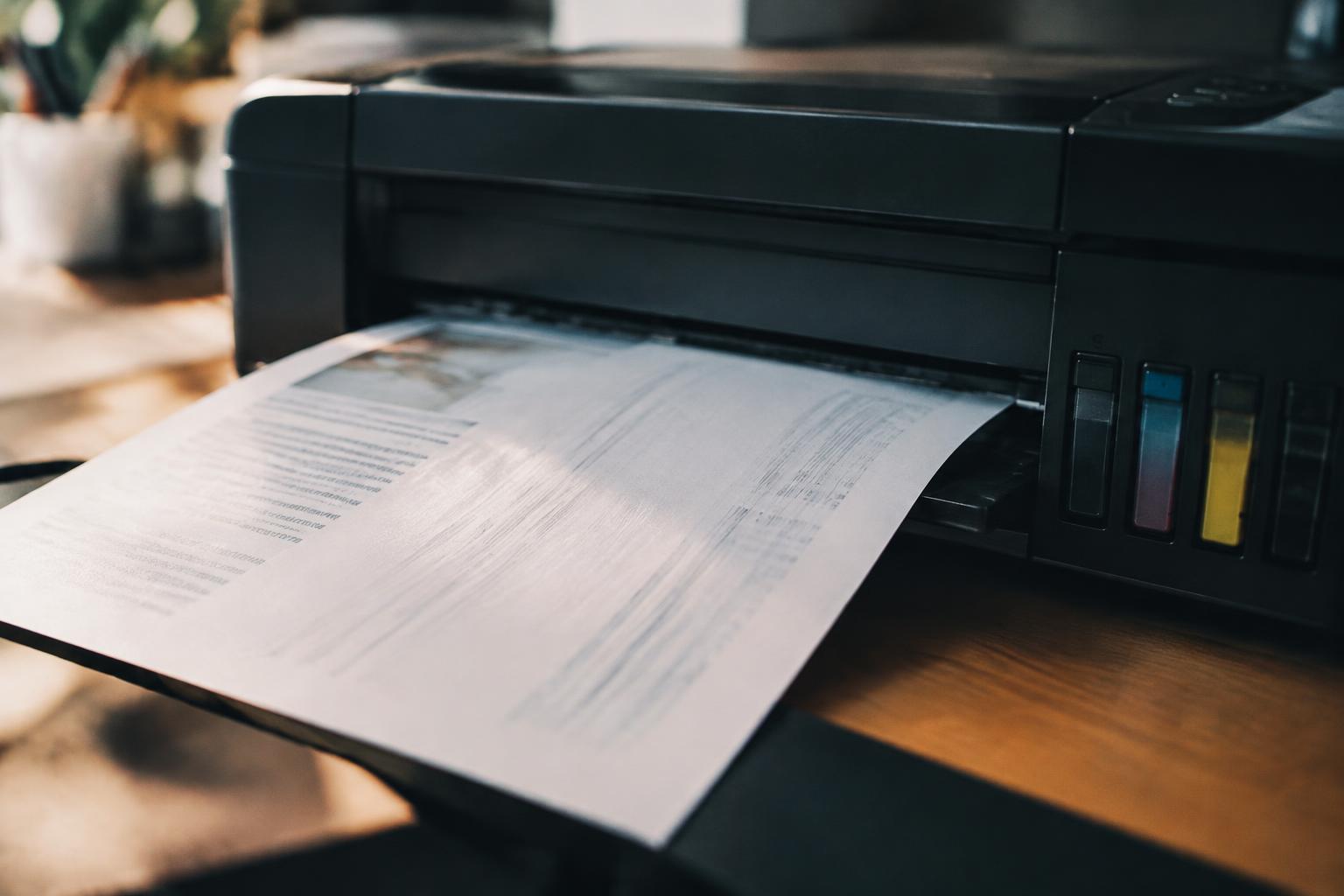
Find out why printer blank spaces appear despite having ink, how to diagnose the cause, restore complete printing, and prevent future issues.

Find out why printer blank spaces appear despite having ink, how to diagnose the cause, restore complete printing, and prevent future issues.
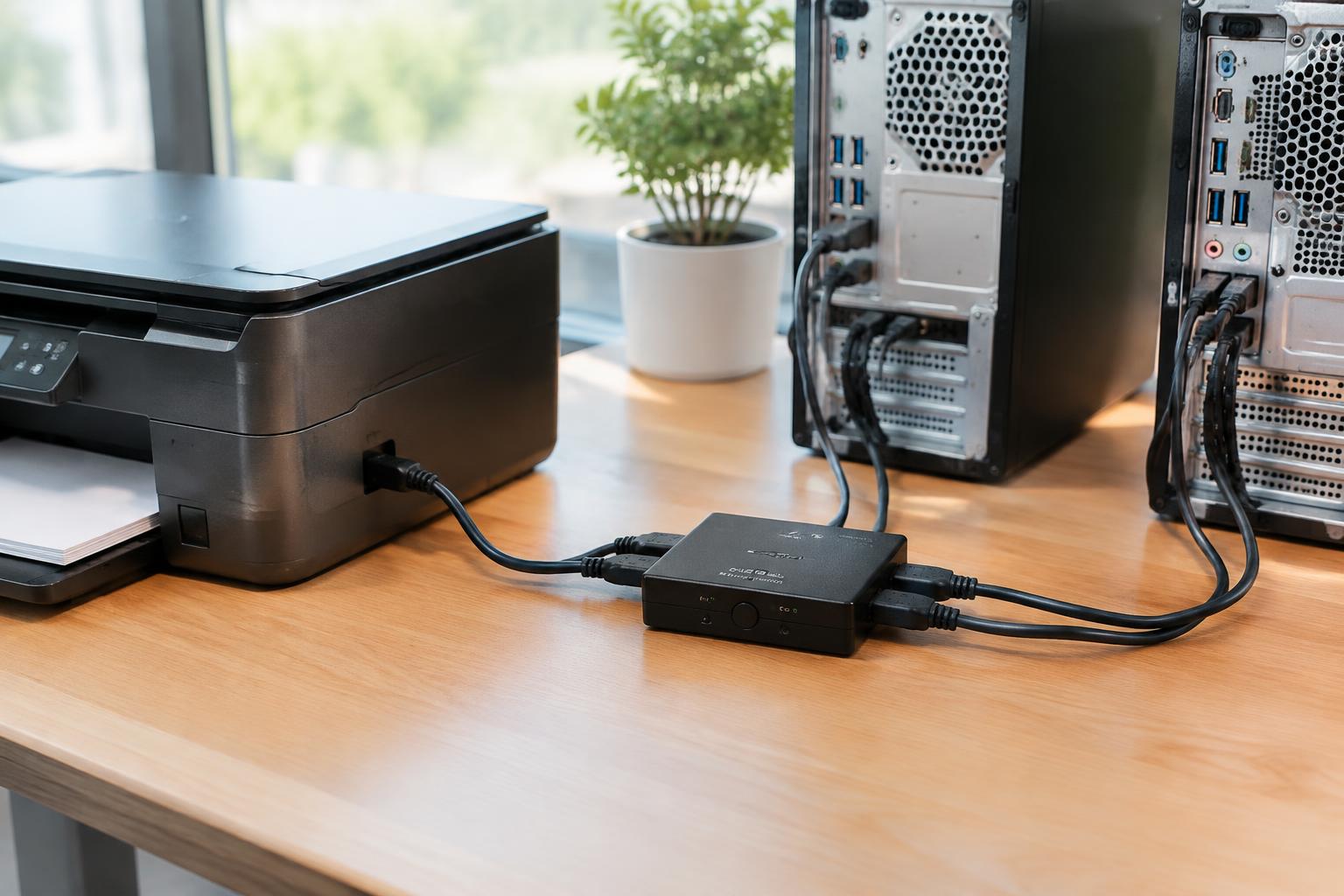
Find ways to share a USB printer, connect multiple computers, and consider setup options and tips for reliable printing.
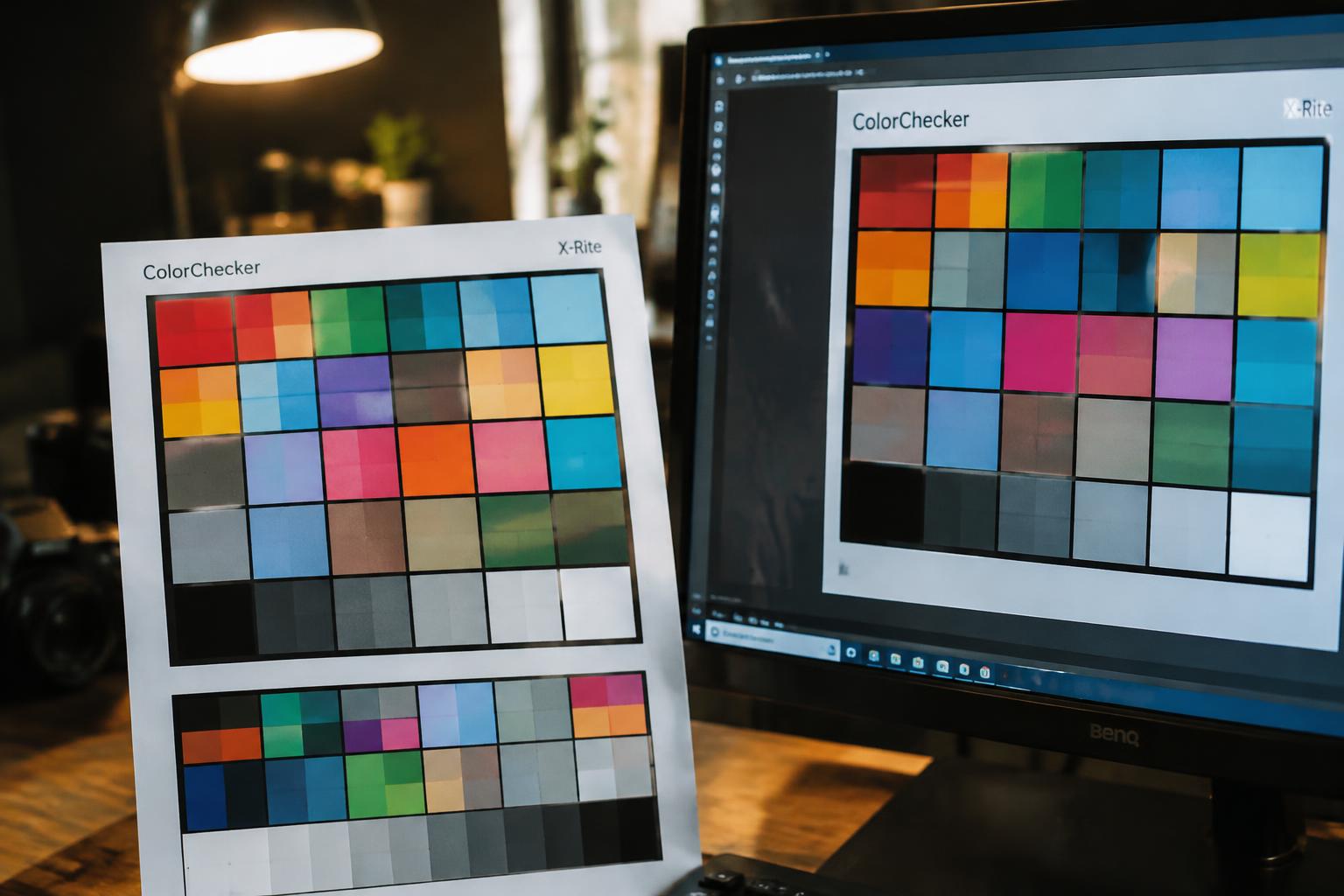
Understand why printed colors differ from screen colors, how screens and printers create color, and how to get more predictable print results.
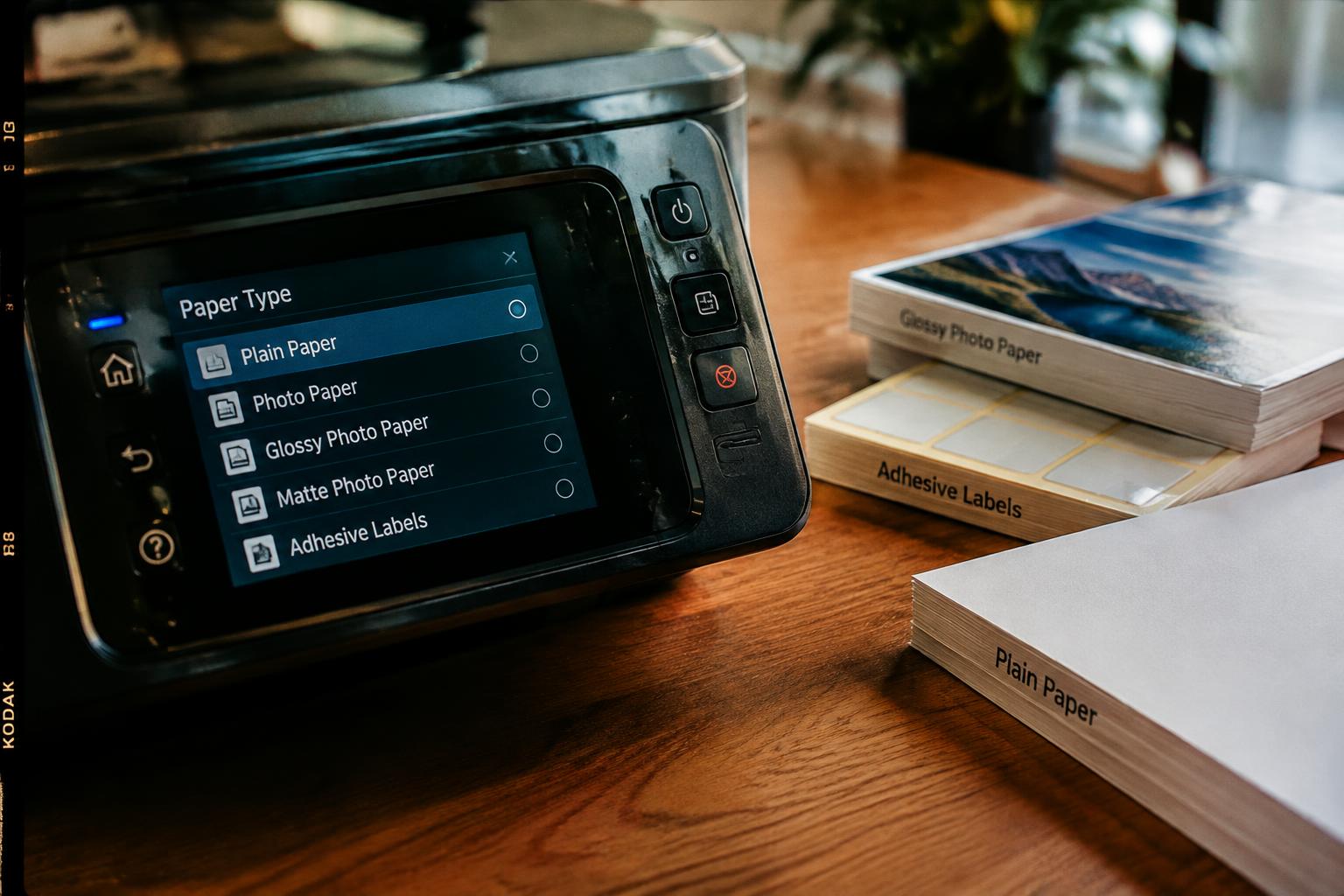
Choose the right paper type setting for photos, labels, and everyday documents, with setup guidance, testing steps, and troubleshooting tips.
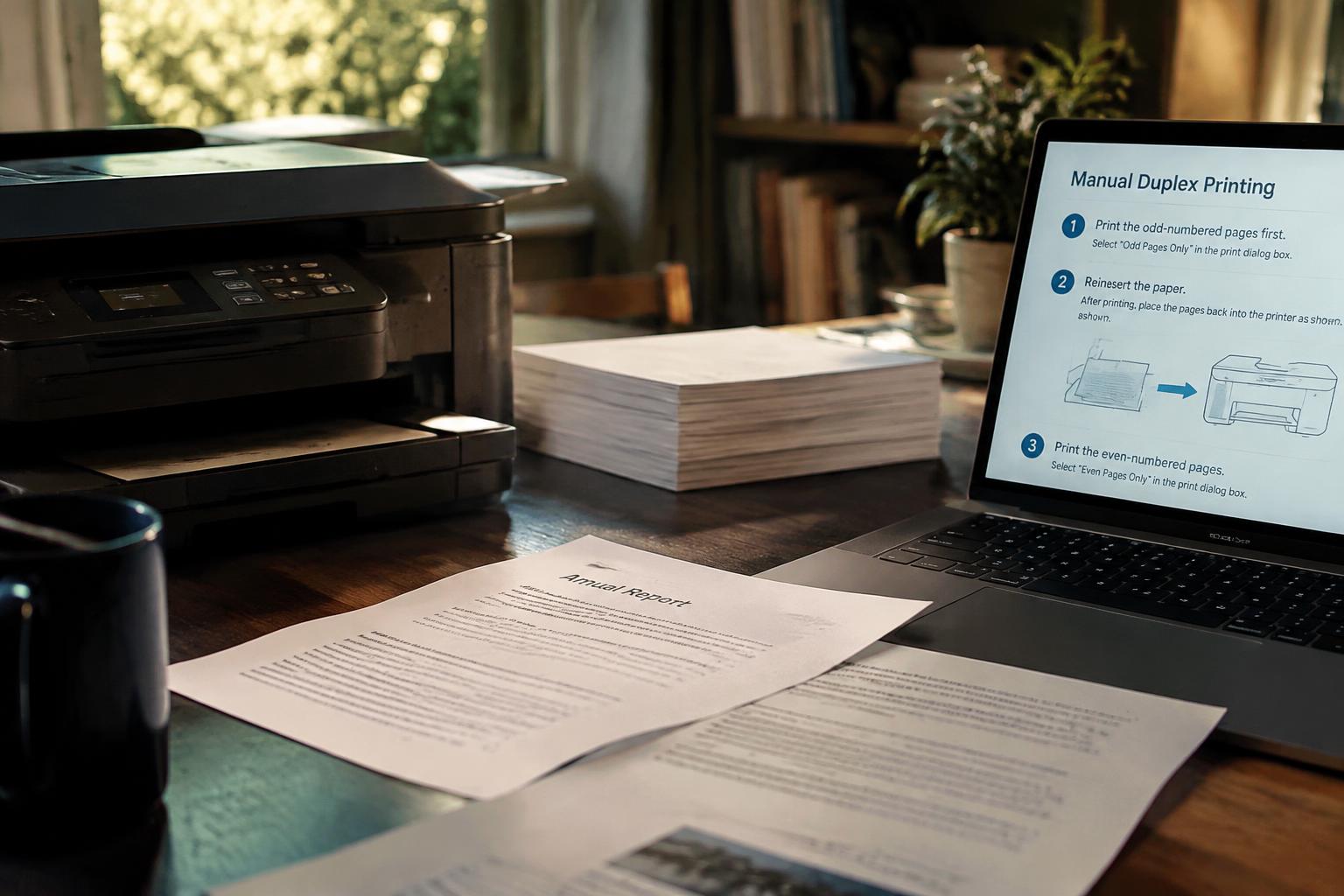
Get manual duplexing methods, print both sides in the correct order, and avoid common errors while considering print quality and efficiency.
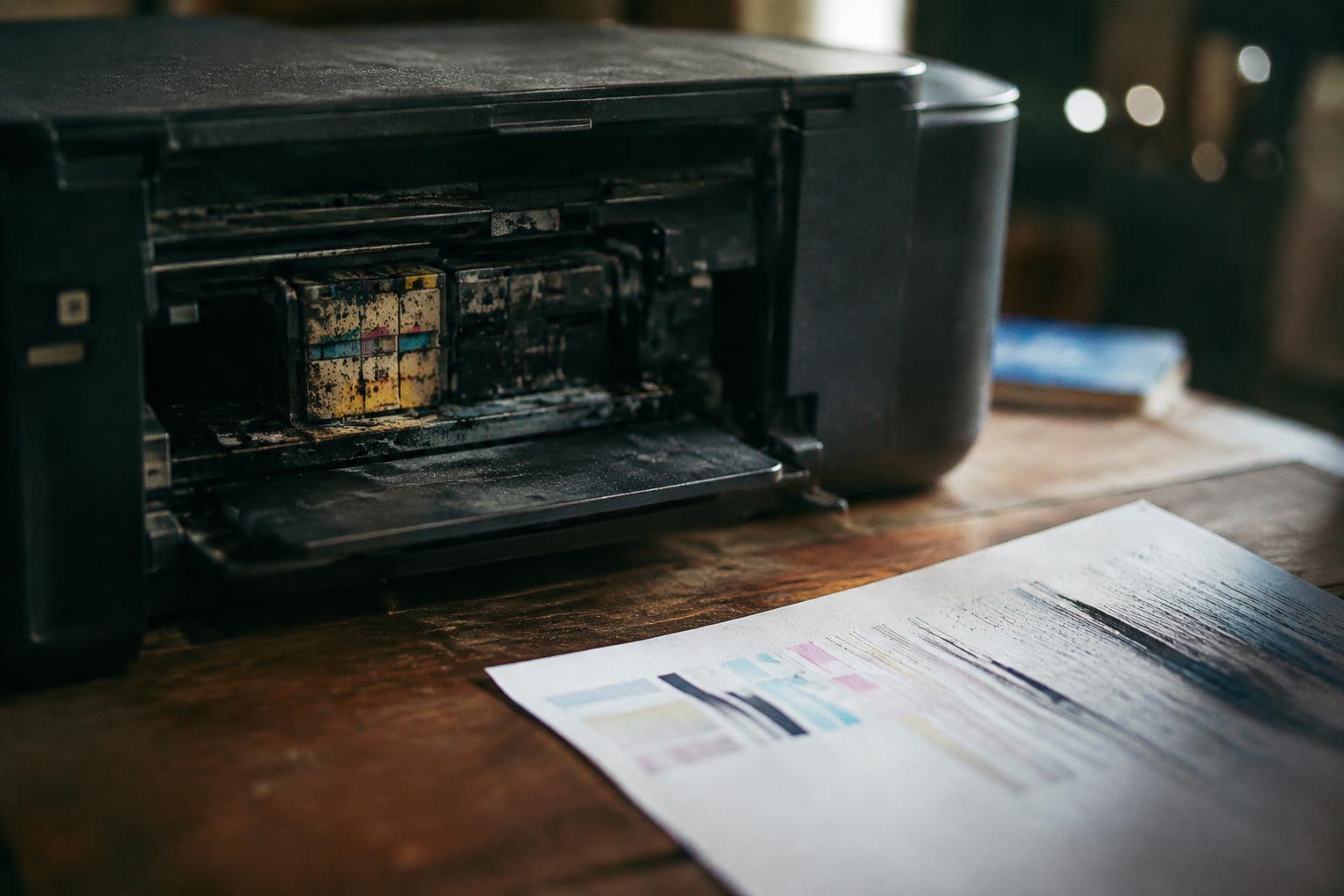
See what happens when an inkjet printer is unused, how to restore it, recognize damage, and store it during an extended break.
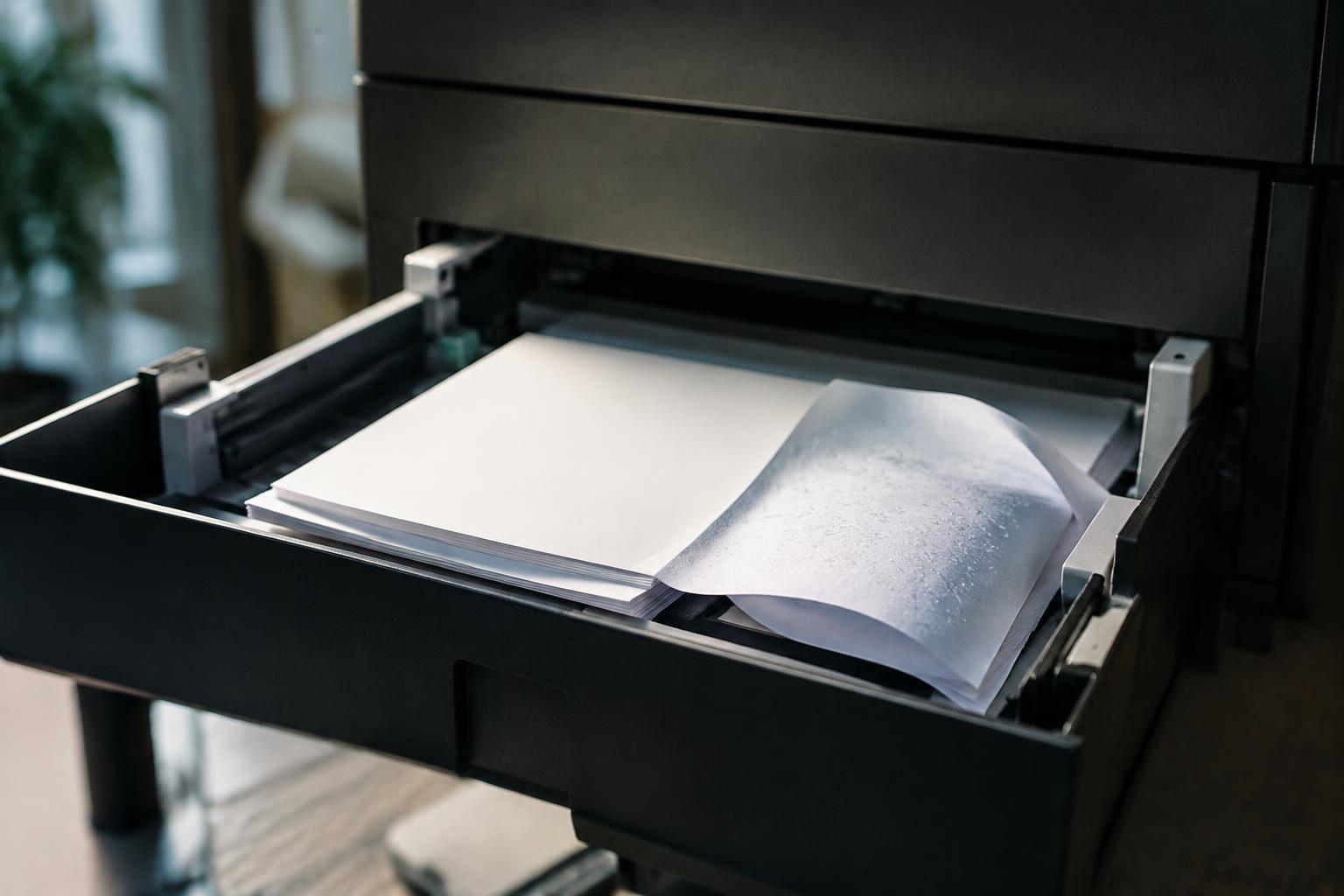
Prevent printer paper jams by managing humidity, handling curled paper, loading sheets correctly, maintaining reliable feeding, and clearing jams.

Find out why a wireless printer disappears after a router restart, how to restore discovery, and how to check network, driver, and firewall settings.
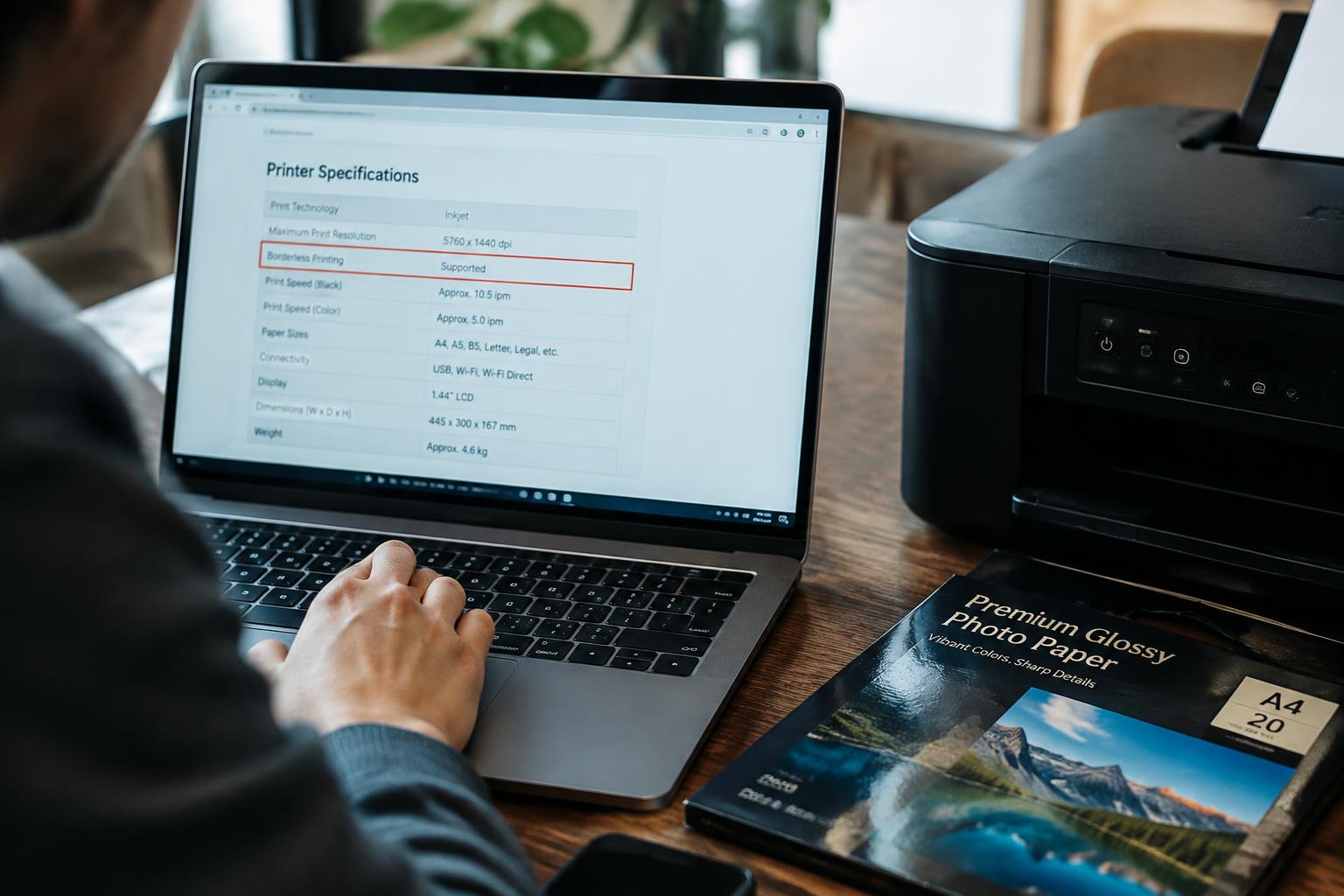
Check whether your printer supports borderless printing, verify driver settings, match photo paper to printer limits, and test before buying in bulk.
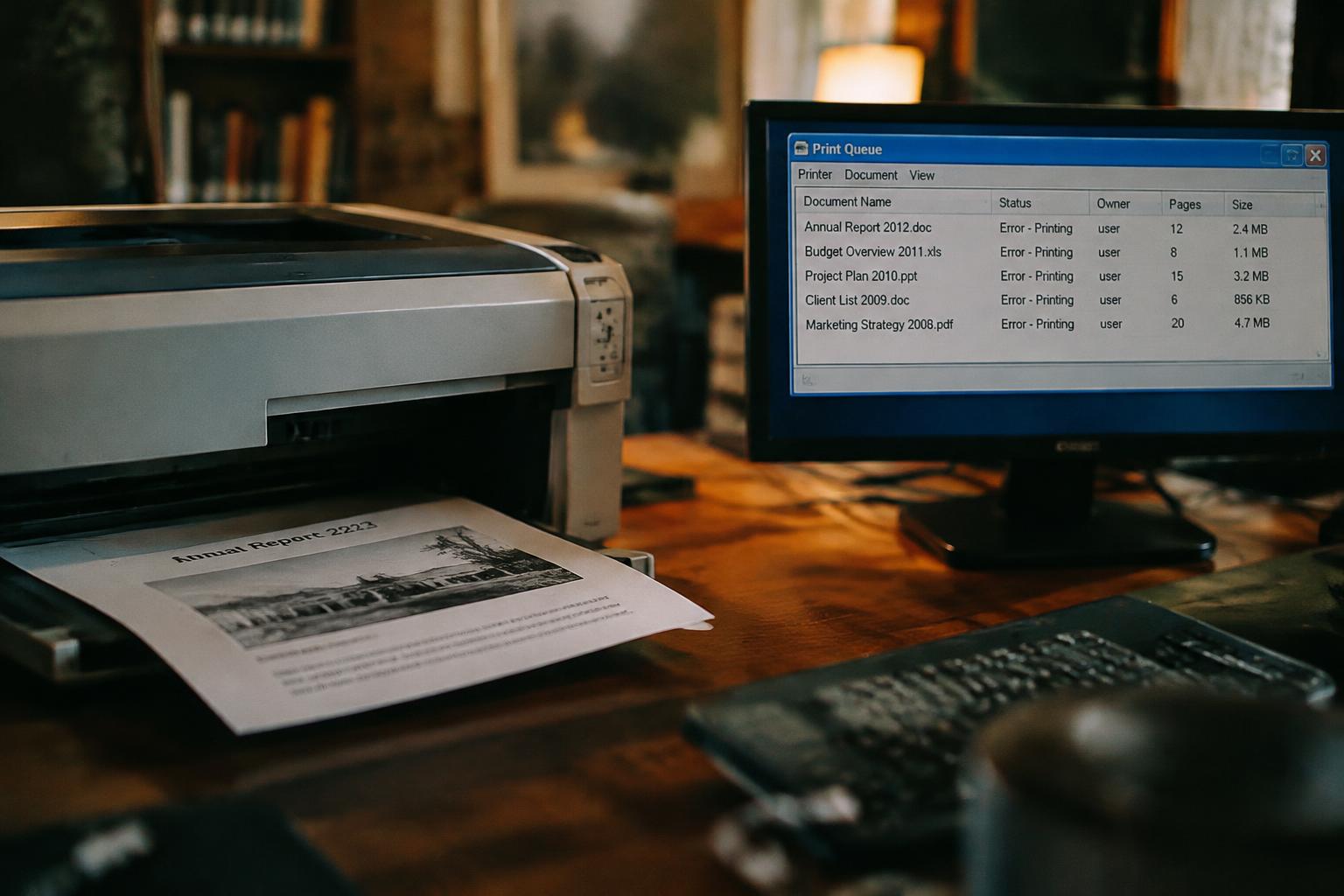
Find out why your printer keeps printing old documents, how to clear the queue, and ways to prevent repeat printing.