How to Print Double-Sided Documents When Your Printer Does Not Support Automatic Duplexing
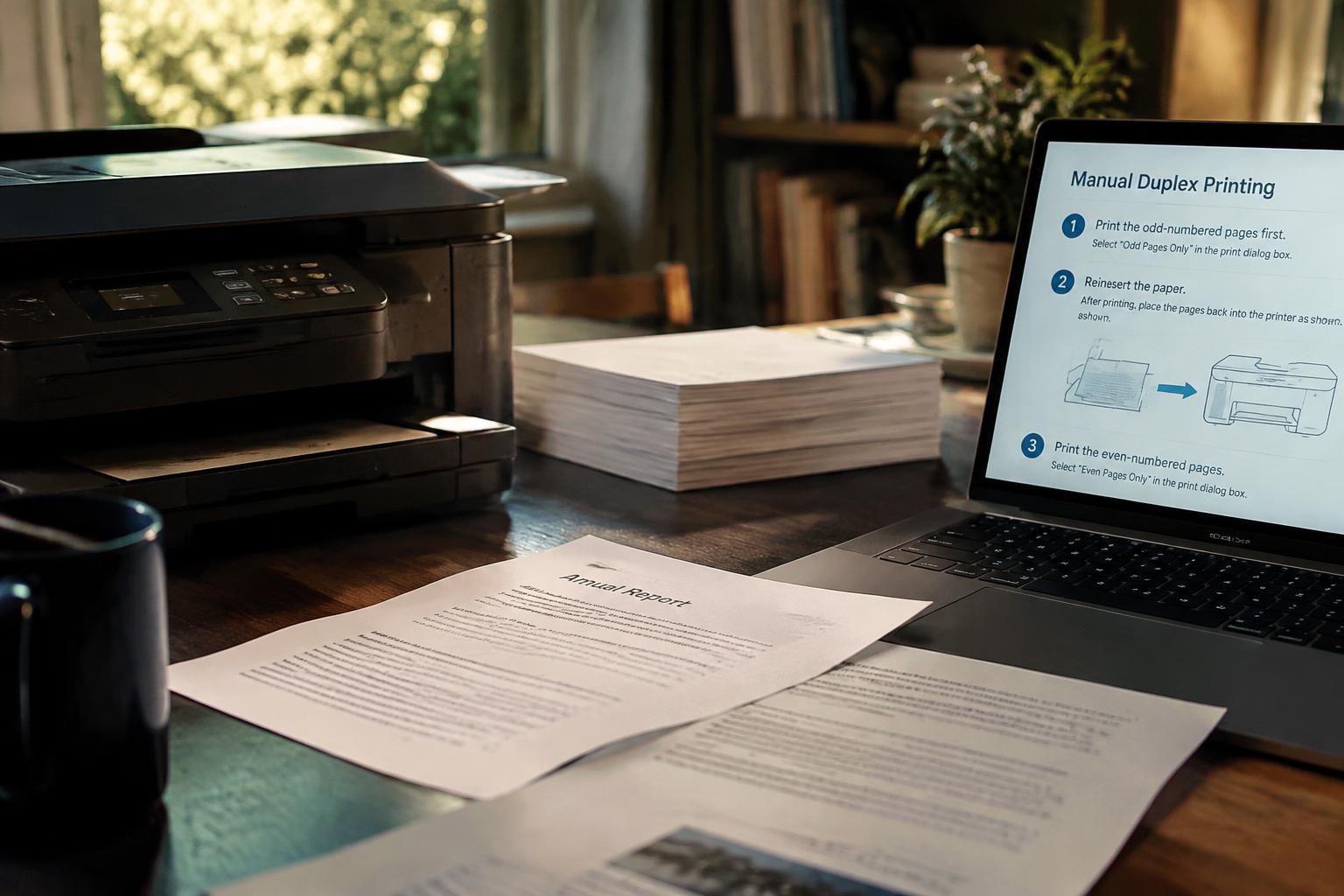
Get manual duplexing methods, print both sides in the correct order, and avoid common errors while considering print quality and efficiency.

Get manual duplexing methods, print both sides in the correct order, and avoid common errors while considering print quality and efficiency.
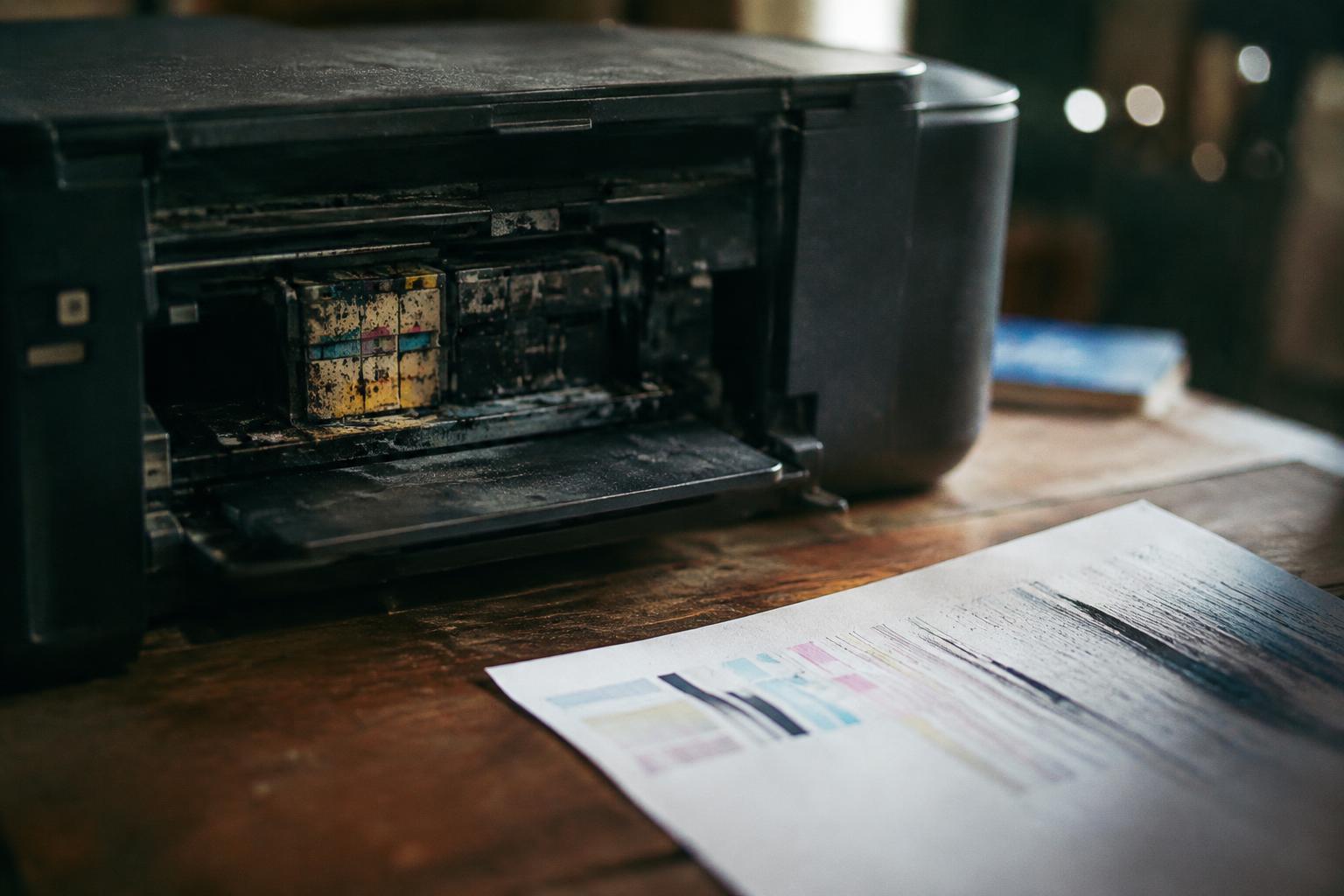
See what happens when an inkjet printer is unused, how to restore it, recognize damage, and store it during an extended break.
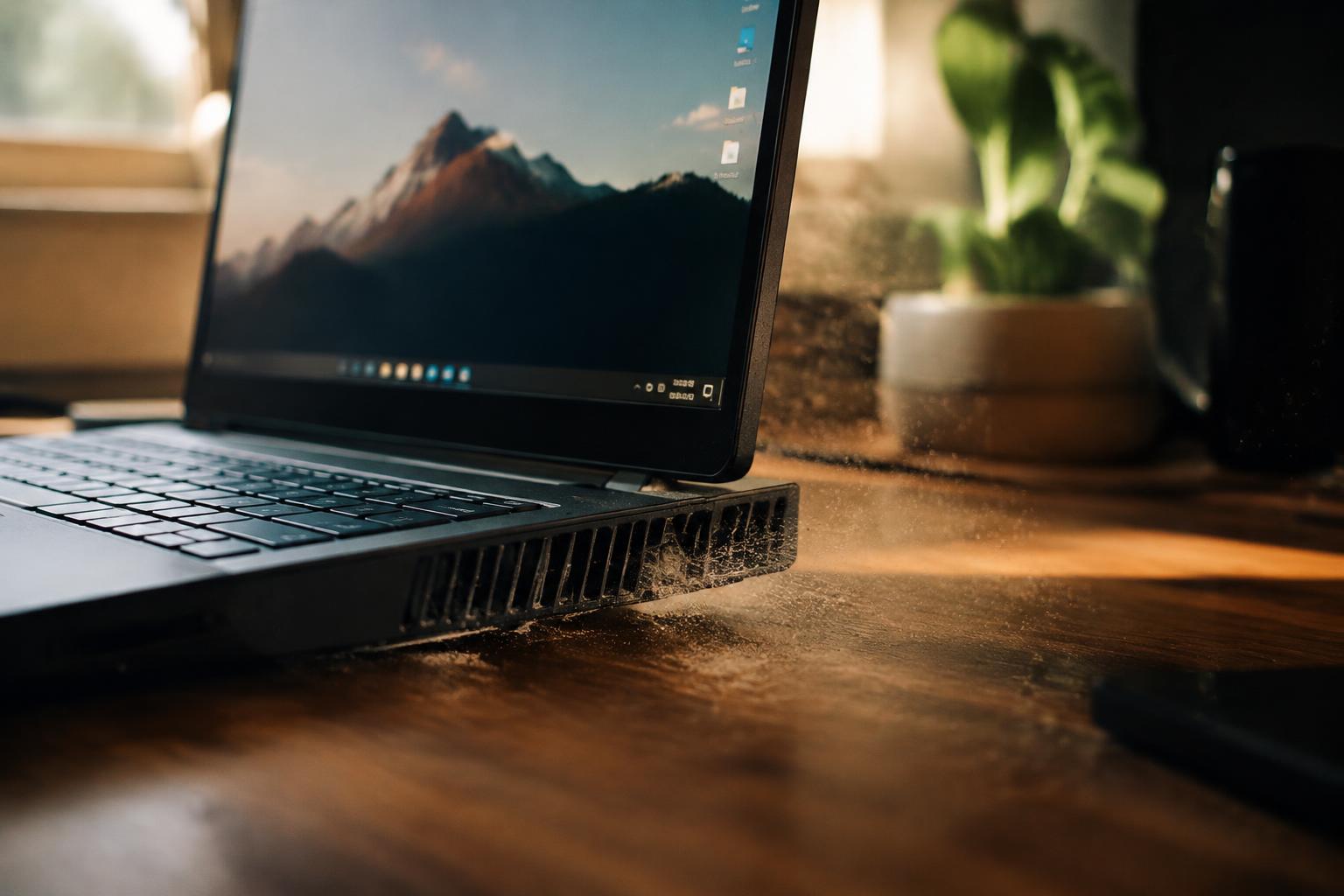
Find out why your laptop fan runs loud without heavy programs, how to identify the cause, and ways to reduce fan noise.
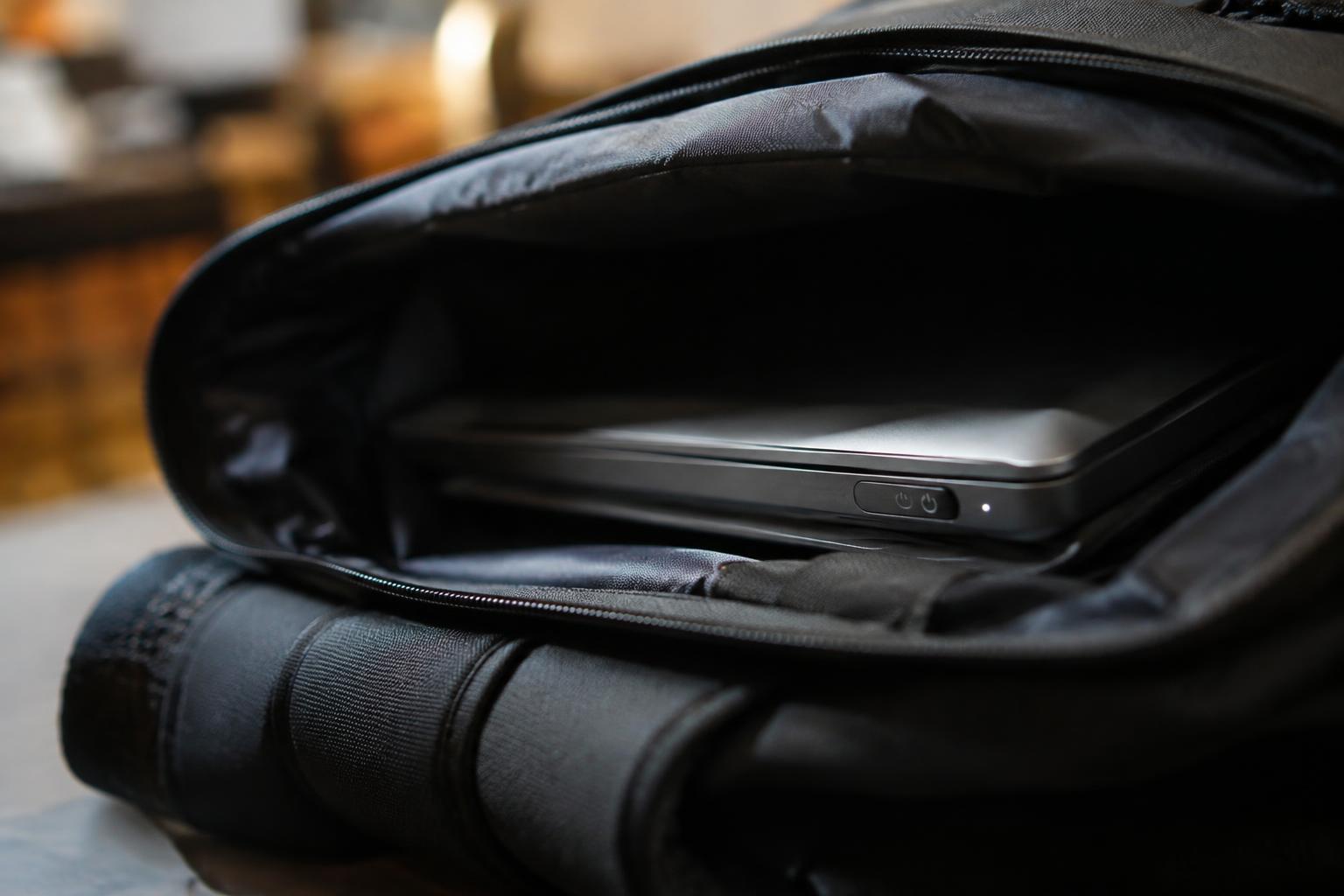
Stop a laptop waking in a backpack with troubleshooting steps, safer carrying tips, and guidance on updating drivers and firmware.
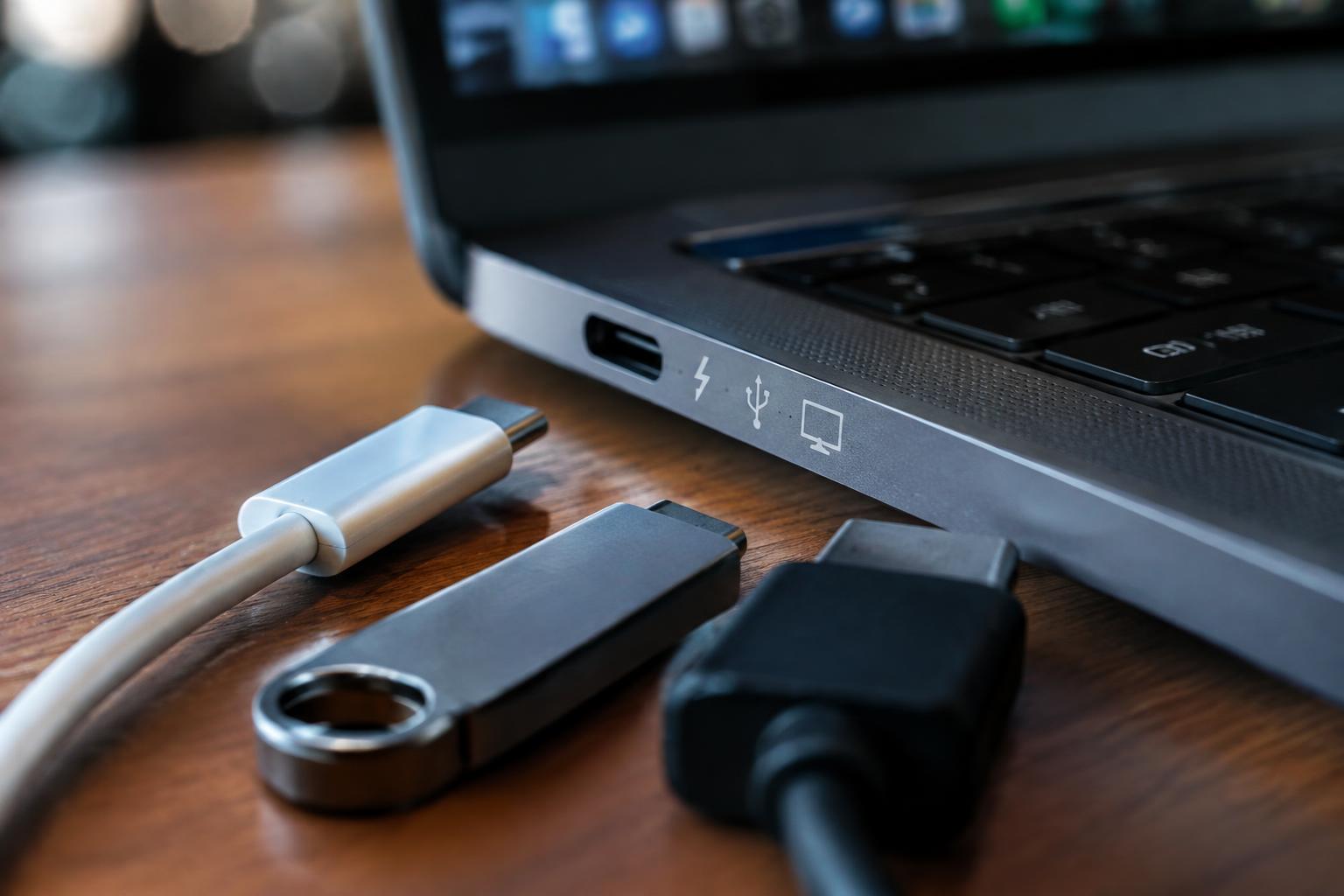
Check what your laptop USB-C port supports for charging, data transfer, and video output, and find tips for testing and troubleshooting.
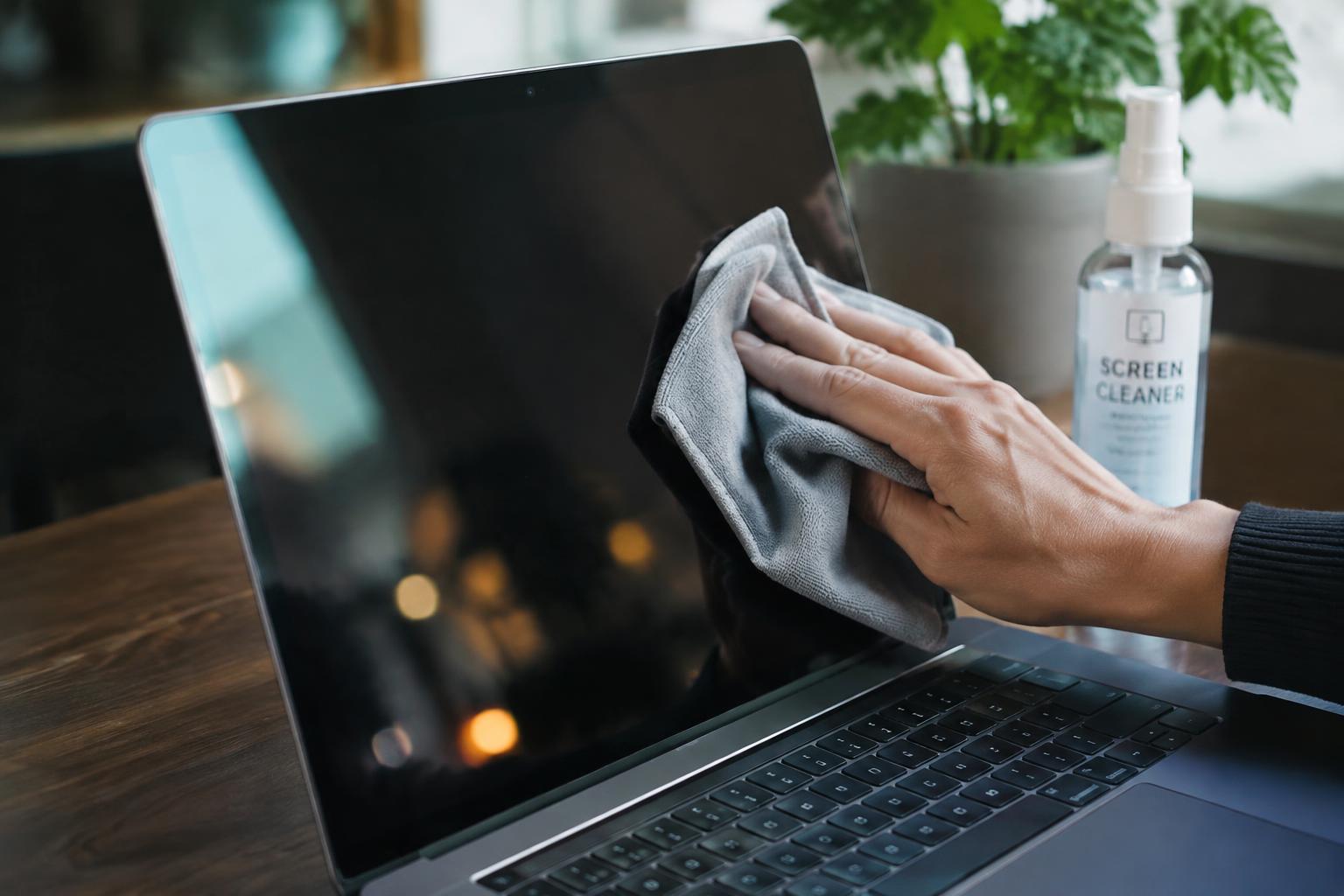
Clean a laptop screen safely with suitable supplies, careful techniques, prevention tips, and guidance on coating damage.
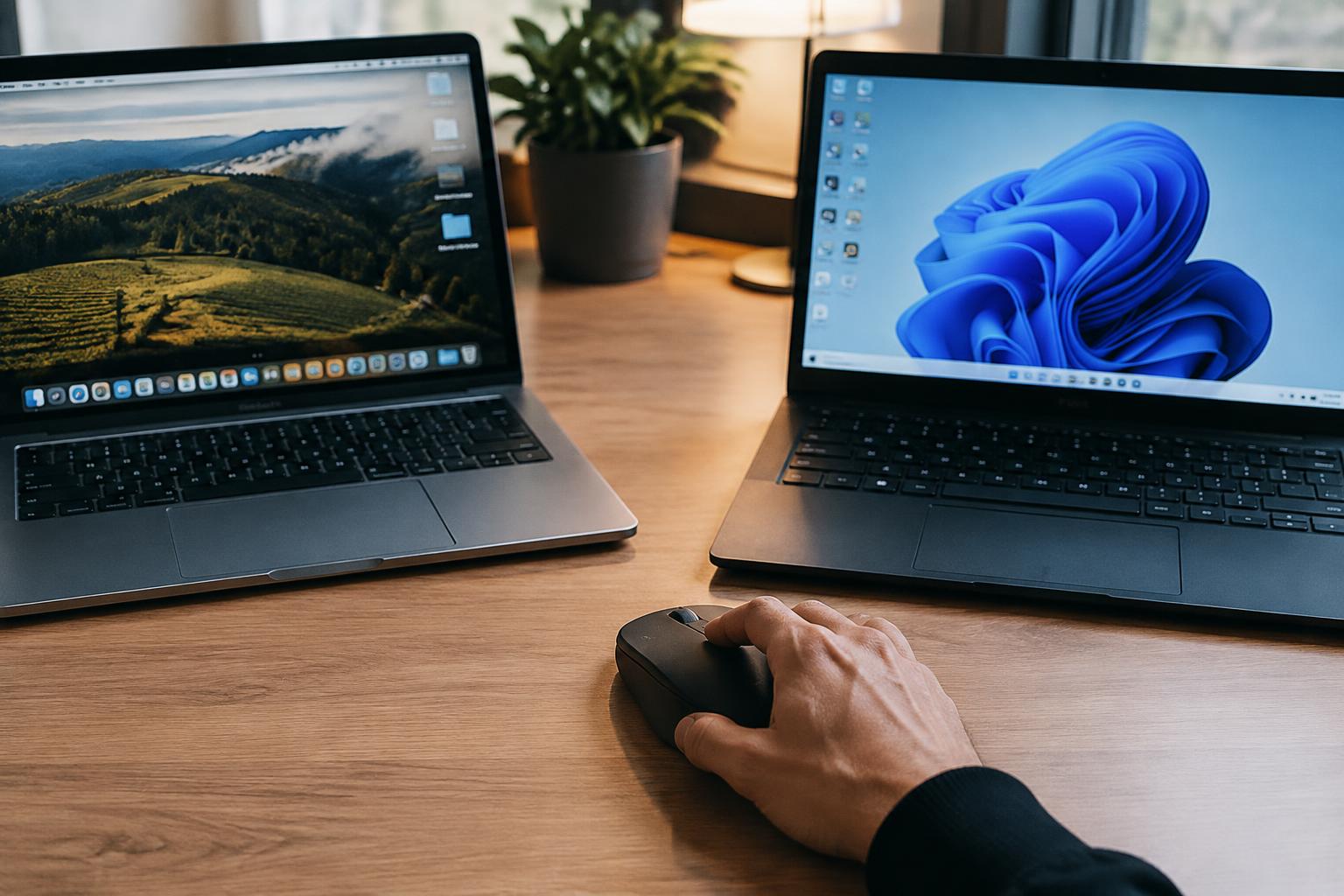
Understand how a Bluetooth mouse can switch between two computers, set it up without repeated pairing, and troubleshoot connection problems.
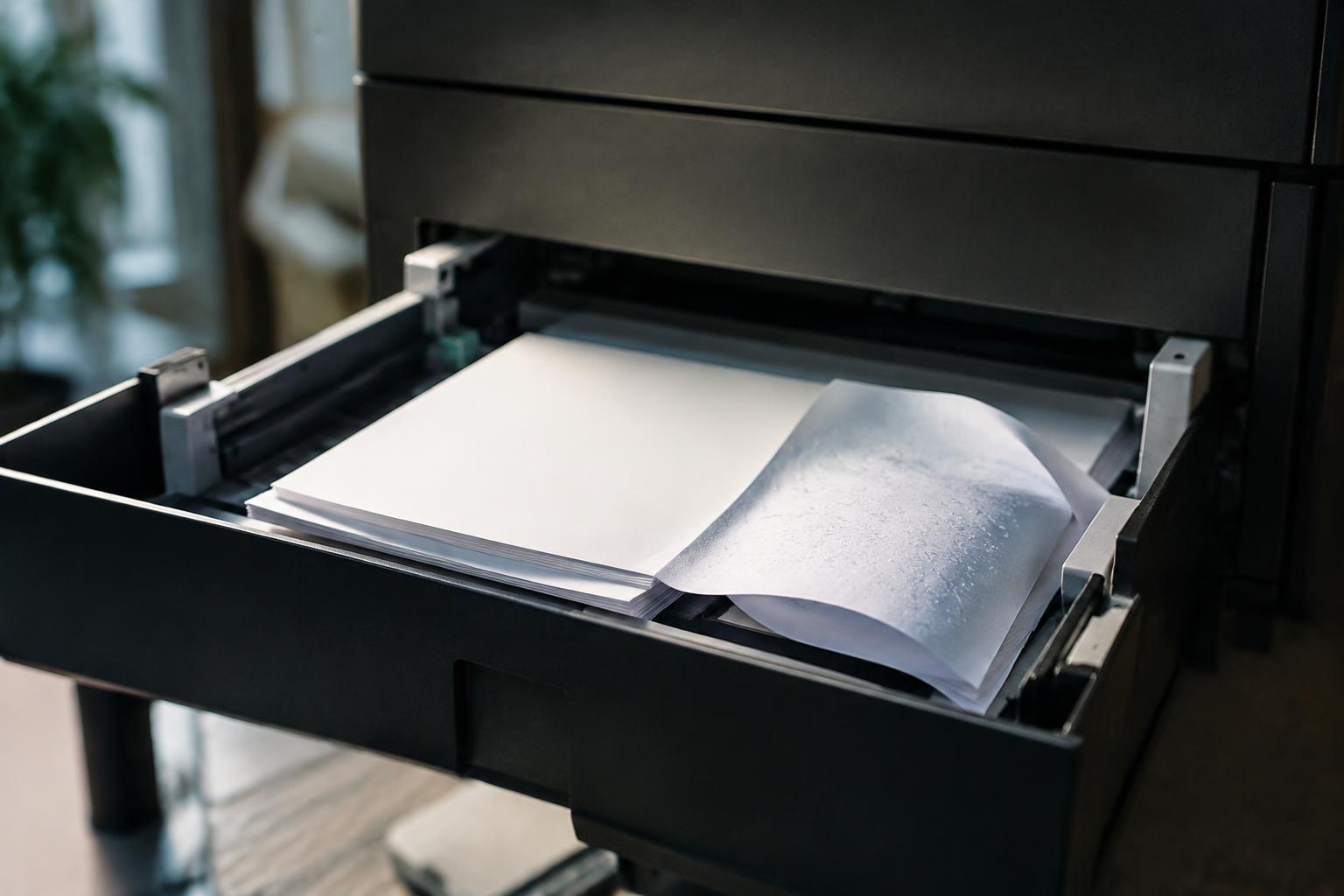
Prevent printer paper jams by managing humidity, handling curled paper, loading sheets correctly, maintaining reliable feeding, and clearing jams.
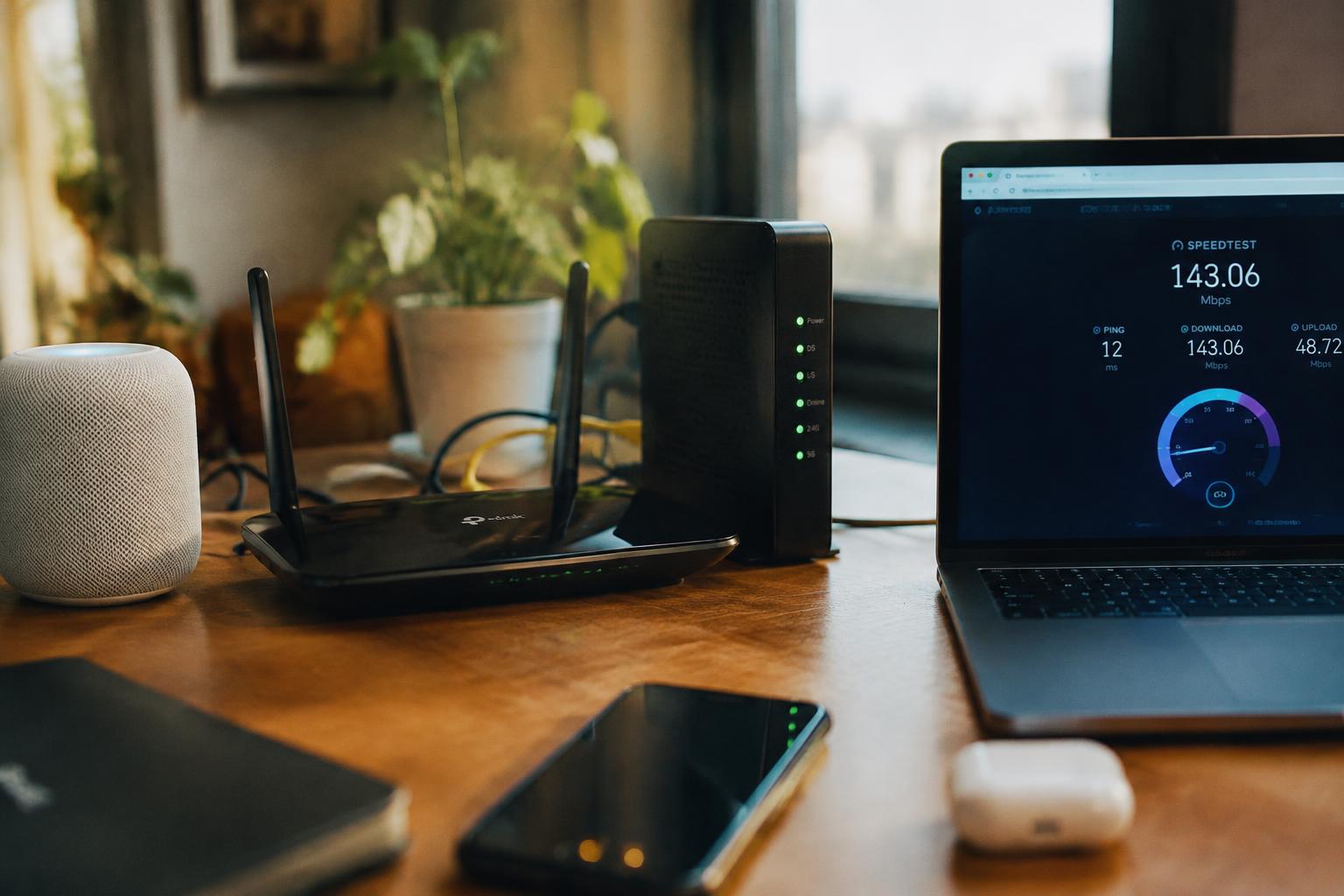
Use simple tests to tell whether WiFi interference or your ISP is causing slow internet, then find the right fix.
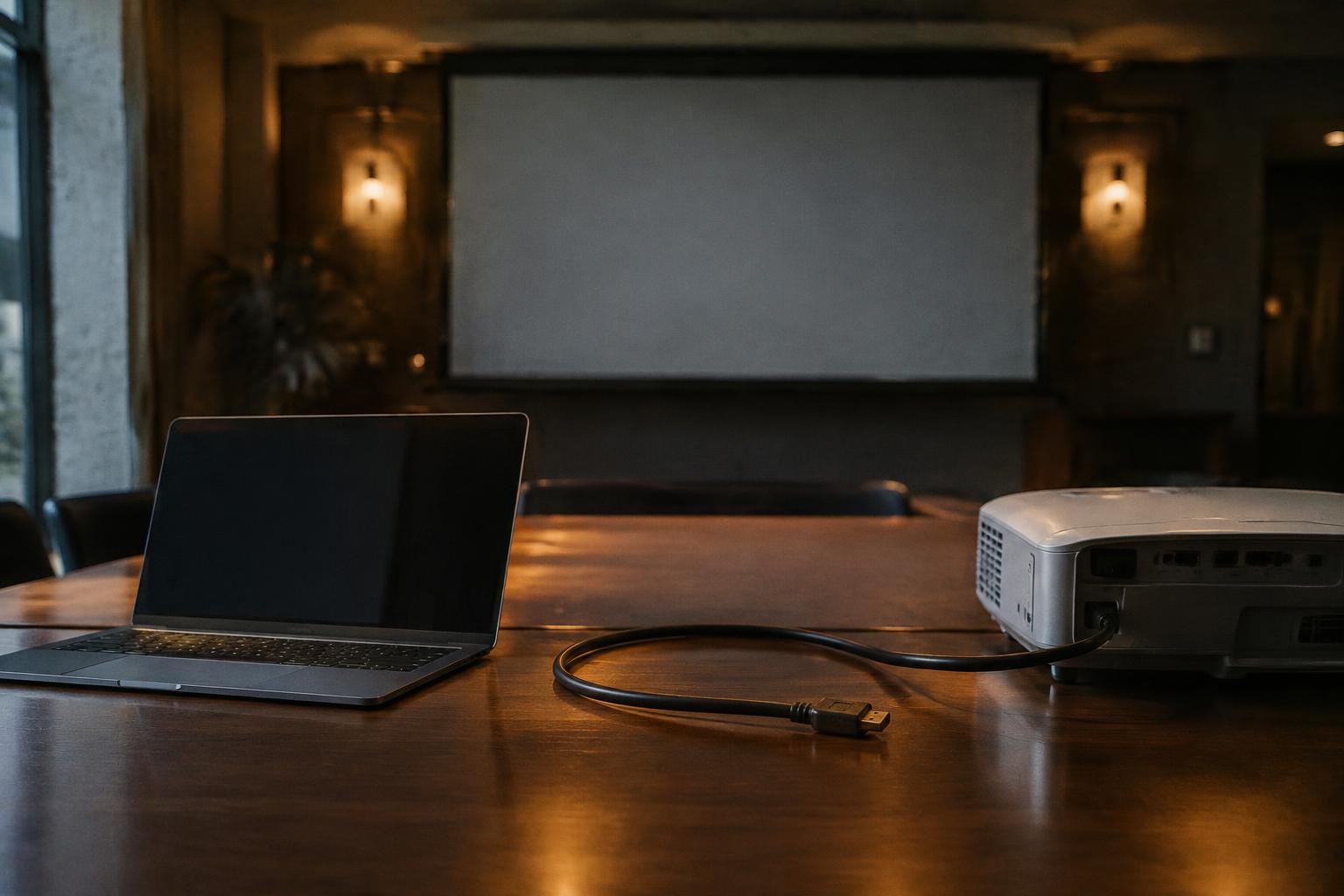
Understand why an HDMI signal drops when your laptop wakes from sleep, how to restore the projector connection, and when service may be needed.