
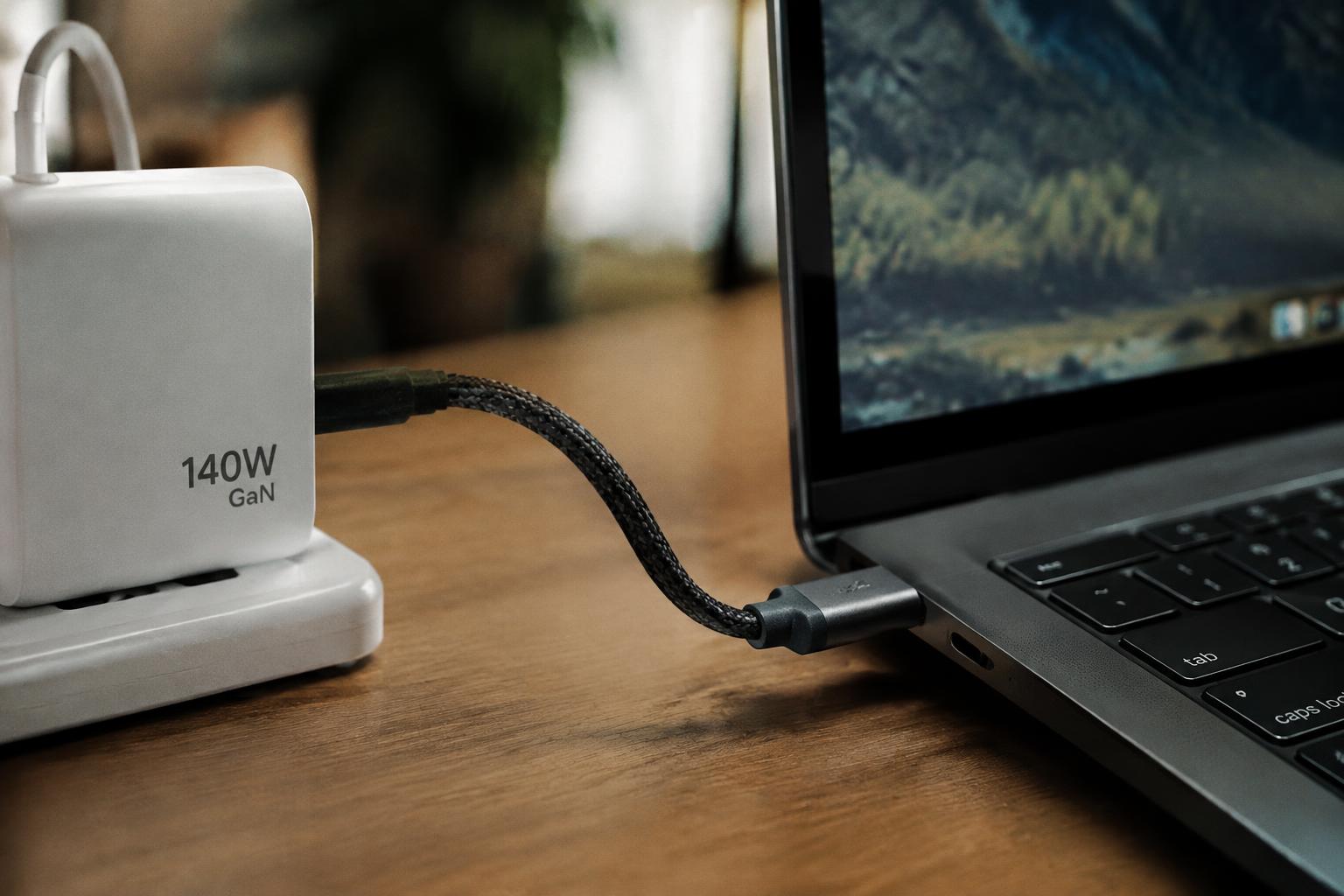
A charger rated for more watts than your laptop requires does not automatically force extra power into the computer. With a compatible USB-C Power Delivery adapter, your laptop draws the power it needs, so a higher rating can provide useful charging headroom under heavy workloads. The key distinction is that wattage alone does not establish compatibility: voltage, connector standards, and charger quality matter too.
Key Takeaways:
- A higher wattage rating does not force extra power into a laptop. With a compatible USB-C Power Delivery charger, the laptop negotiates the voltage and current it supports and draws only what it needs.
- Voltage, charging protocol, and connector compatibility matter alongside wattage. A charger with the wrong voltage or an unsupported barrel connector can fail to charge the laptop or cause damage, even if its wattage rating is high.
- A higher-rated compatible charger generally works safely, but it does not necessarily charge the battery faster. The laptop’s charging circuitry sets the draw, and battery temperature, charge level, and workload also affect charging speed.
How Laptop Charging Wattage Works
At the power adapter, the wattage rating describes the upper limit of electrical power available to your laptop, not a fixed amount pushed into it. Your computer draws power as needed for its current operating state, such as running the processor, powering the display, or replenishing the battery. A higher rating therefore represents greater available capacity, while the laptop determines its actual demand within the adapter’s limit.
The relationship between voltage, current, and wattage
Wattage is calculated by multiplying voltage by current, so an adapter’s power rating reflects both the electrical pressure it supplies and the current it can provide. For example, a 20-volt adapter rated for 3.25 amperes offers 65 watts. Your laptop’s workload affects how much current it draws, while the adapter’s rating defines its maximum output. The wattage figure is therefore a ceiling, not a constant flow of power.
How laptops regulate incoming power
Inside your laptop, power-management circuitry controls the flow from the adapter to operating components and the battery. The system adjusts its draw as demands change, such as when the processor becomes busy or the battery approaches full charge. A charger with spare capacity does not force all its rated power into the computer; the laptop controls demand. During a light workload, the device may draw less power than it does while rendering video.
- Adapter labels list rated output in watts.
- Battery charging and laptop operation share available power.
- Heavy computing increases the system’s power demand.
Compatibility: Wattage, Voltage, and Connector Standards
Before using a replacement adapter, match its electrical output and charging standard to the laptop’s requirements. A higher wattage rating alone does not establish compatibility: the adapter must deliver an accepted voltage through a supported connection. Check the laptop’s label or manufacturer specifications for its input range and charging method, then verify the adapter’s output markings. Voltage and protocol compatibility determine whether the laptop can safely accept power from that charger.
| Connection type | What to verify | Compatibility detail |
|---|---|---|
| USB-C | USB Power Delivery support | Both devices must support a compatible charging profile |
| Barrel connector | Voltage and plug dimensions | Match the laptop’s specified input and connector |
| Proprietary connector | Manufacturer-specific requirements | Use an approved adapter for the laptop model |
USB-C Power Delivery and proprietary chargers
With USB-C Power Delivery, the charger and laptop negotiate a supported voltage and power profile; the adapter does not simply force its maximum output into the computer. Confirm that both devices support USB-C PD and that the charger offers a profile accepted by your laptop. Proprietary systems, including some gaming-laptop adapters, can use model-specific connectors or signaling. Matching the charging protocol matters as much as the USB-C plug’s shape.
Why the correct voltage and connector matter
Voltage outside the laptop’s specified input range can prevent charging or damage its charging circuitry, even when the charger’s wattage rating appears suitable. A barrel plug that fits physically is not proof of a correct electrical match; its polarity, dimensions, and output voltage must meet the laptop’s requirements. USB-C also needs a supported charging connection. Check the labeled output and connector specifications before plugging in an unfamiliar adapter.
What Happens When the Charger Has a Higher Wattage Rating
A higher rating describes the charger’s maximum available output, not a fixed amount it sends into your laptop. With a compatible power adapter, the laptop and charger follow their supported power-delivery specifications, so unused capacity remains available rather than being forced into the computer. The rating alone therefore does not mean the laptop receives excess power; the relevant limit is the laptop’s negotiated intake, not the largest number printed on the charger.
How the laptop limits power intake
Your laptop’s charging circuitry manages the power it accepts, communicating with a compatible adapter to establish supported voltage and current. The battery-management system then regulates the flow to the battery, while the computer’s power circuitry supplies operating components. Extra wattage stays unused when the laptop does not request it; a 100-watt USB-C adapter, for instance, does not force its full capacity into a laptop designed to draw less. The adapter’s rating is a ceiling, not a command.
When a higher-wattage charger is safe
Safety depends on compatibility, not simply on choosing a larger wattage number. A higher-rated adapter is generally suitable when its connector and power-delivery standard match your laptop, and its output includes the voltage profiles the computer supports. Use a compliant charger from a reputable manufacturer, or one approved by the laptop maker; a mismatched barrel connector or unsupported voltage is not made safe by a generous wattage rating. The printed output specifications identify the adapter’s available profiles.
- USB-C adapters identify supported power profiles.
- Barrel connectors vary in size and polarity.
- Some laptops require a manufacturer-specific adapter ID.
Effects on Charging Speed, Battery Health, and Performance
Your laptop draws power according to its design and current needs, rather than taking the charger’s full rated output. A higher-wattage adapter provides extra power headroom, which matters most when charging while demanding applications are running. Charging speed, battery temperature, and system performance still depend on factors such as the laptop’s charging limits, battery state, and workload, so the wattage printed on the adapter alone does not predict the result.
| Situation | Effect of extra wattage headroom | What sets the outcome |
|---|---|---|
| Charging while idle | Does not automatically increase charging speed | Laptop charging limits and battery state |
| Running demanding applications while plugged in | Can leave more adapter capacity available for charging | System power demand |
| Battery near full charge | Charging typically slows | Battery management controls |
Charging speed and power-intensive workloads
During ordinary use, your laptop’s charging circuitry sets the maximum rate, so a higher-rated adapter does not override that limit. Under a graphics-heavy workload, video export, or sustained CPU use, the computer needs more power for operation; a larger adapter can supply that demand while leaving capacity for battery charging. With a lower-rated adapter, charging may slow or pause during the same task. The laptop’s specified input limit remains the ceiling.
Battery temperature, longevity, and power management
Battery temperature and charging behavior are governed mainly by the laptop’s battery-management system, not by unused wattage on the adapter. Your system regulates charging current and typically tapers it as the battery approaches full capacity. A higher rating therefore does not, by itself, damage battery health or make the battery charge faster. Heat from intensive use or a warm environment can still affect battery aging, even while the laptop is connected to a charger.
Risks of Using an Incompatible or Poor-Quality Charger
Safety problems arise when the power supply delivers the wrong electrical output, fails to negotiate a supported charging protocol, or contains poorly made components. A higher wattage rating alone does not establish compatibility: the laptop and charger must agree on voltage and, for USB-C, negotiate an accepted power profile. Unreliable hardware can also overheat or produce unstable output, putting extra stress on the charging circuit, cable, and nearby surfaces.
Warning signs of an unsuitable charger
Watch for unusual heat at the adapter, plug, or laptop port, along with buzzing, a hot-plastic smell, intermittent charging, or a connector that fits loosely. A USB-C charger that repeatedly connects and disconnects may be failing to maintain protocol negotiation; a barrel-plug adapter with an incorrect voltage can cause more serious electrical stress. Stop using any charger with a frayed cable, cracked casing, scorch marks, or exposed wiring.
Potential damage to the laptop or battery
Incorrect voltage can overload the laptop’s input circuitry, while a charger that cannot negotiate a supported USB-C profile may deliver no power or charge unreliably. Poor regulation can create output fluctuations that stress components such as the charging controller and power-management circuitry. Heat from a failing adapter or damaged cable can also warm the battery area, accelerating wear or triggering protective shutdowns. In severe cases, a short circuit can damage the port or adapter.
- Keep liquids away from the adapter and cable connection.
- Do not cover an operating power brick with fabric.
- Disconnect the charger if its casing begins to deform.
How to Choose the Right Replacement Charger
Start with the laptop’s manufacturer specifications, then choose a charger that meets its electrical and connector requirements. A higher wattage rating is suitable only when the laptop accepts the charger’s voltage and charging standard; the device draws the power it needs. Prioritize verified compatibility over a familiar-looking plug, since connectors can share a shape while differing in wiring or USB-C Power Delivery support. A suitable replacement should list its output ratings clearly.
Checking the laptop’s power specifications
Check the label on your original adapter, the laptop’s underside, or the manufacturer’s support page for required voltage, wattage, and connector details. For USB-C charging, confirm that the laptop supports USB Power Delivery and identify the required power profile, since not every USB-C port accepts charging. Match the specified voltage and use a charger rated for at least the laptop’s required wattage. Voltage compatibility matters; the adapter label should state the output, such as 20 V.
Choosing a compatible, certified charger
Choose a replacement from the laptop maker or a reputable charger manufacturer, and verify that its model documentation lists your laptop or the required charging standard. For USB-C models, look for a clearly stated USB Power Delivery rating and a cable rated for the charger’s output. Check for recognized safety certification marks applicable in your region, and avoid adapters with missing specifications or unusually low pricing. Use certified equipment with a matching connector and documented output ratings.
| What to verify | Where to check | Compatible result |
|---|---|---|
| Voltage | Adapter label or laptop specifications | Output voltage matches the stated requirement |
| Wattage | Manufacturer documentation | Charger meets or exceeds the required rating |
| Connector and standard | Laptop port and charger documentation | Connector fits and charging protocol is supported |
| Safety certification | Product label and manufacturer details | Certification and output ratings are clearly identified |
Conclusion
A higher-wattage charger is generally safe for your laptop when it meets the manufacturer’s voltage, connector, and charging-protocol requirements. Your laptop draws only the power it is designed to accept, so a charger with extra wattage does not force excess power into the battery. An incompatible or poorly made adapter, however, can cause unreliable charging or damage. Before using a replacement, match its specifications to your laptop’s model, including USB-C Power Delivery support where required.
FAQ
Can I use a higher-wattage charger with my laptop?
Yes, a higher-wattage charger is generally safe if it matches your laptop’s required voltage, connector, and charging protocol. The laptop draws only the power it needs, so the charger’s extra capacity usually goes unused.
Will a higher-wattage charger charge my laptop faster?
Not necessarily; charging speed depends on the laptop’s charging limits and battery management. A higher-rated charger may help if the original charger cannot supply enough power during demanding use, but it cannot make the laptop exceed its designed charging rate.
Can using the wrong laptop charger damage the battery?
Yes, an incompatible or poorly made charger can create risks for the laptop or battery. Check that the voltage, connector, and charging protocol are supported, and avoid damaged or unreliable chargers.
What should I check before buying a replacement laptop charger?
Check the laptop maker’s specifications for the required voltage, connector, charging standard, and minimum power rating. Choose a reputable charger that meets those requirements; a higher wattage rating is acceptable when the other compatibility details match.
Is it worth buying a higher-wattage charger for my laptop?
It can be worthwhile if the charger is compatible and you need extra power capacity, such as for a supported high-demand workload or another compatible device. If your current charger already meets the laptop’s requirements, a higher rating alone may not improve charging speed or performance.