How to Stop Your Laptop From Waking Up Inside a Backpack
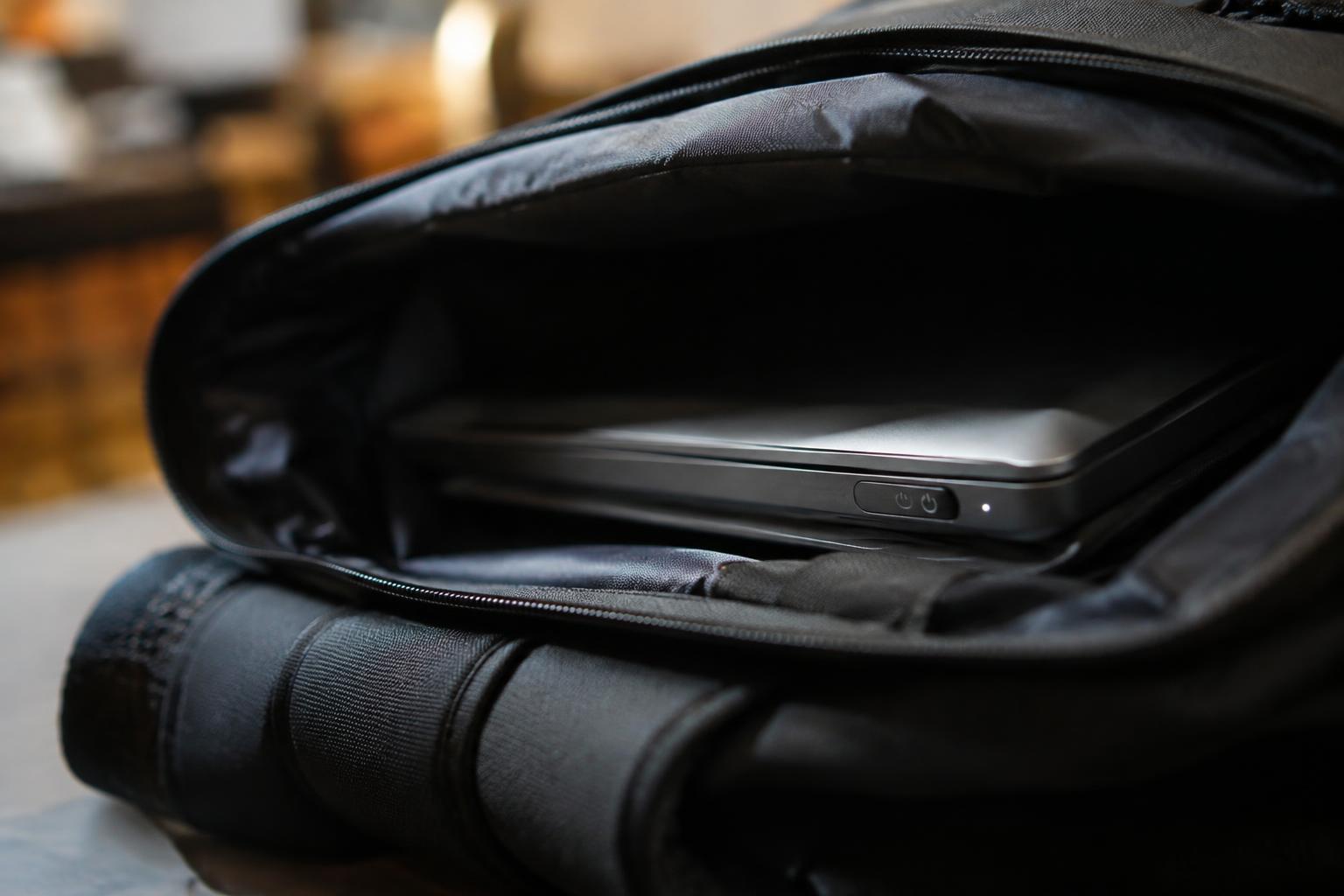
Stop a laptop waking in a backpack with troubleshooting steps, safer carrying tips, and guidance on updating drivers and firmware.

 Ronald Cooper
Stop a laptop waking in a backpack with troubleshooting steps, safer carrying tips, and guidance on updating drivers and firmware.
As the world becomes increasingly dependent on wireless connectivity, the demand for faster, more reliable, and secure internet connections has never been higher. The introduction of Wi-Fi 6, also known as 802.11ax, has marked a significant leap forward in wireless technology, promising better performance, capacity, and efficiency. However, with the advent of Wi-Fi 6 access … Read more
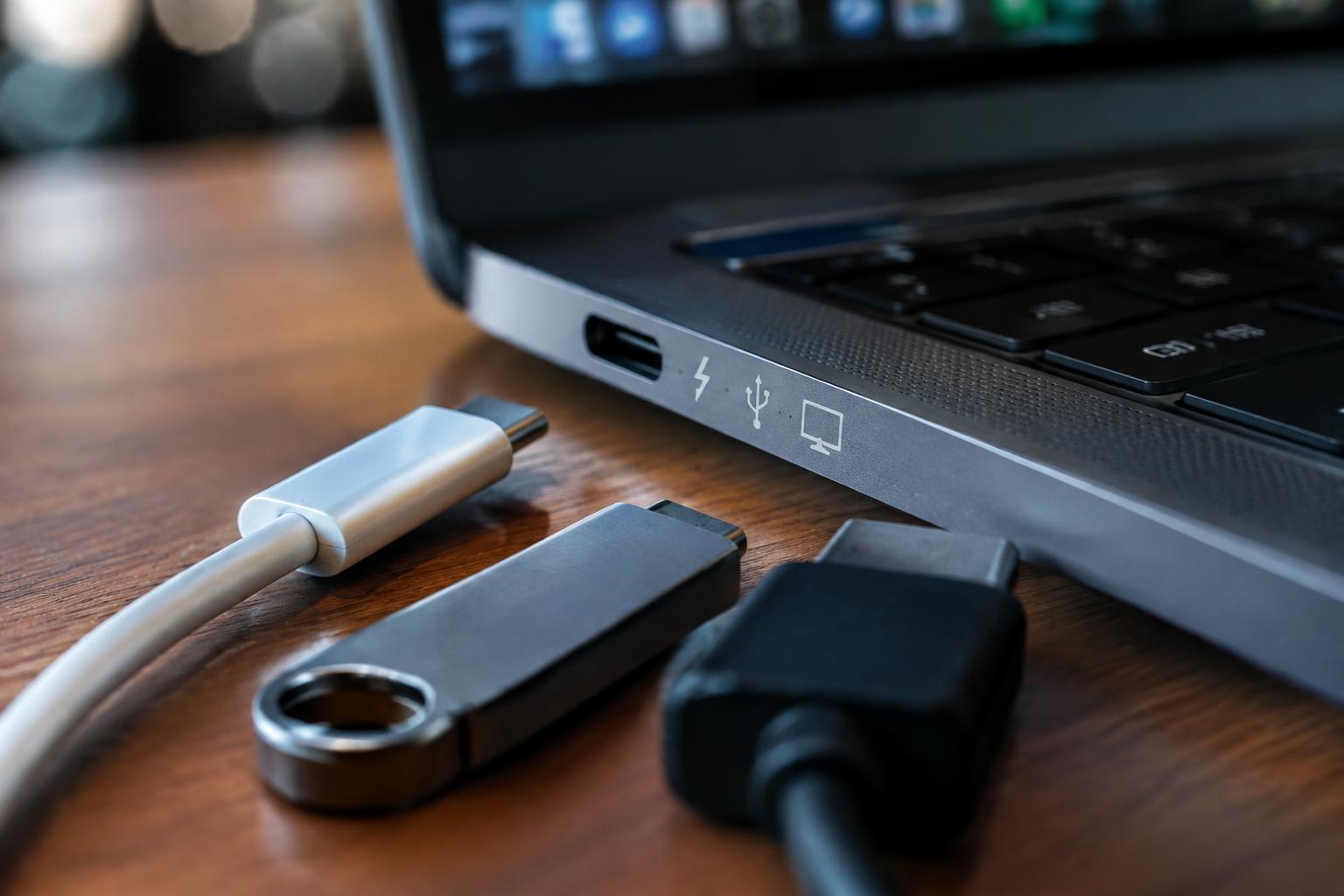
Check what your laptop USB-C port supports for charging, data transfer, and video output, and find tips for testing and troubleshooting.
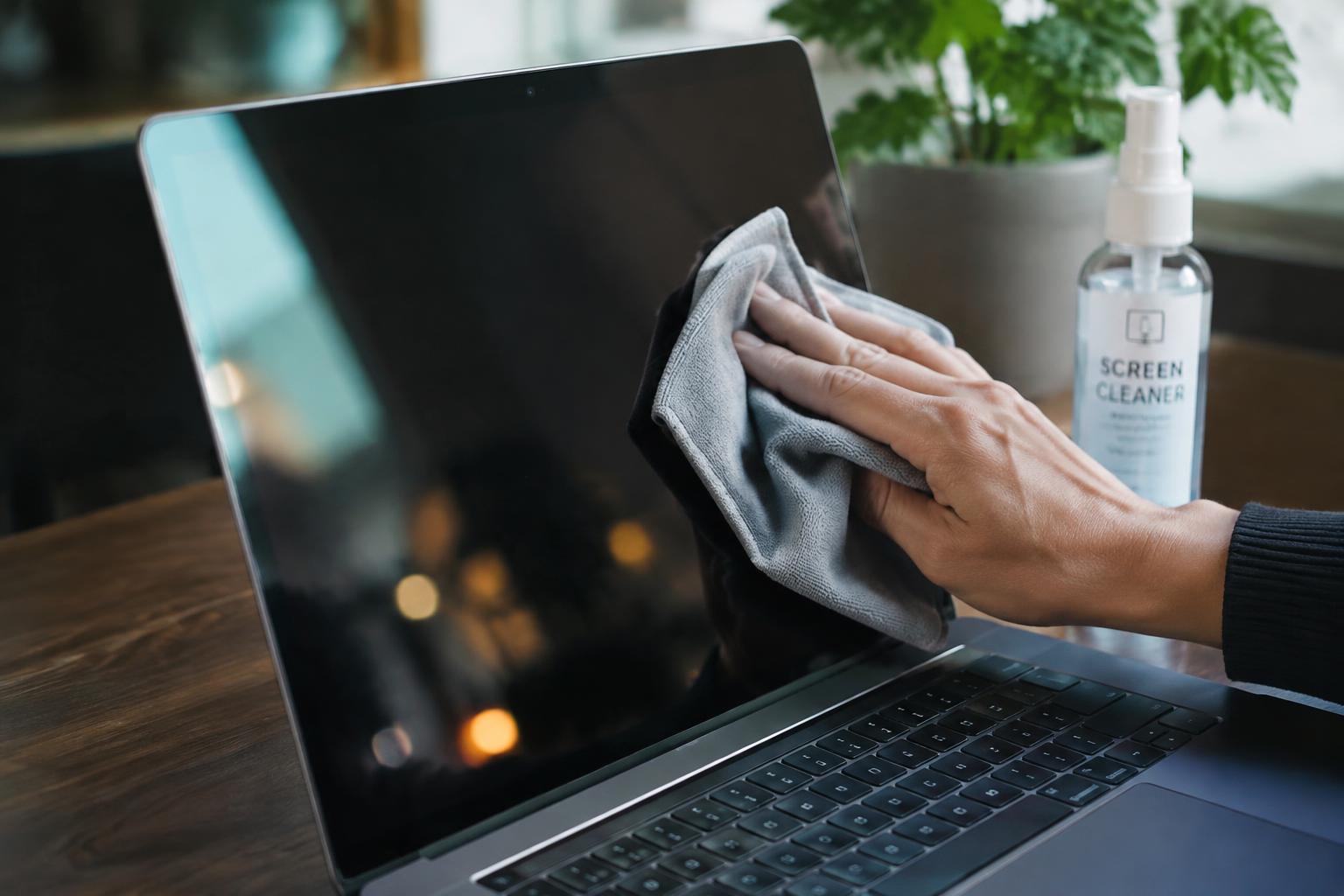
Clean a laptop screen safely with suitable supplies, careful techniques, prevention tips, and guidance on coating damage.
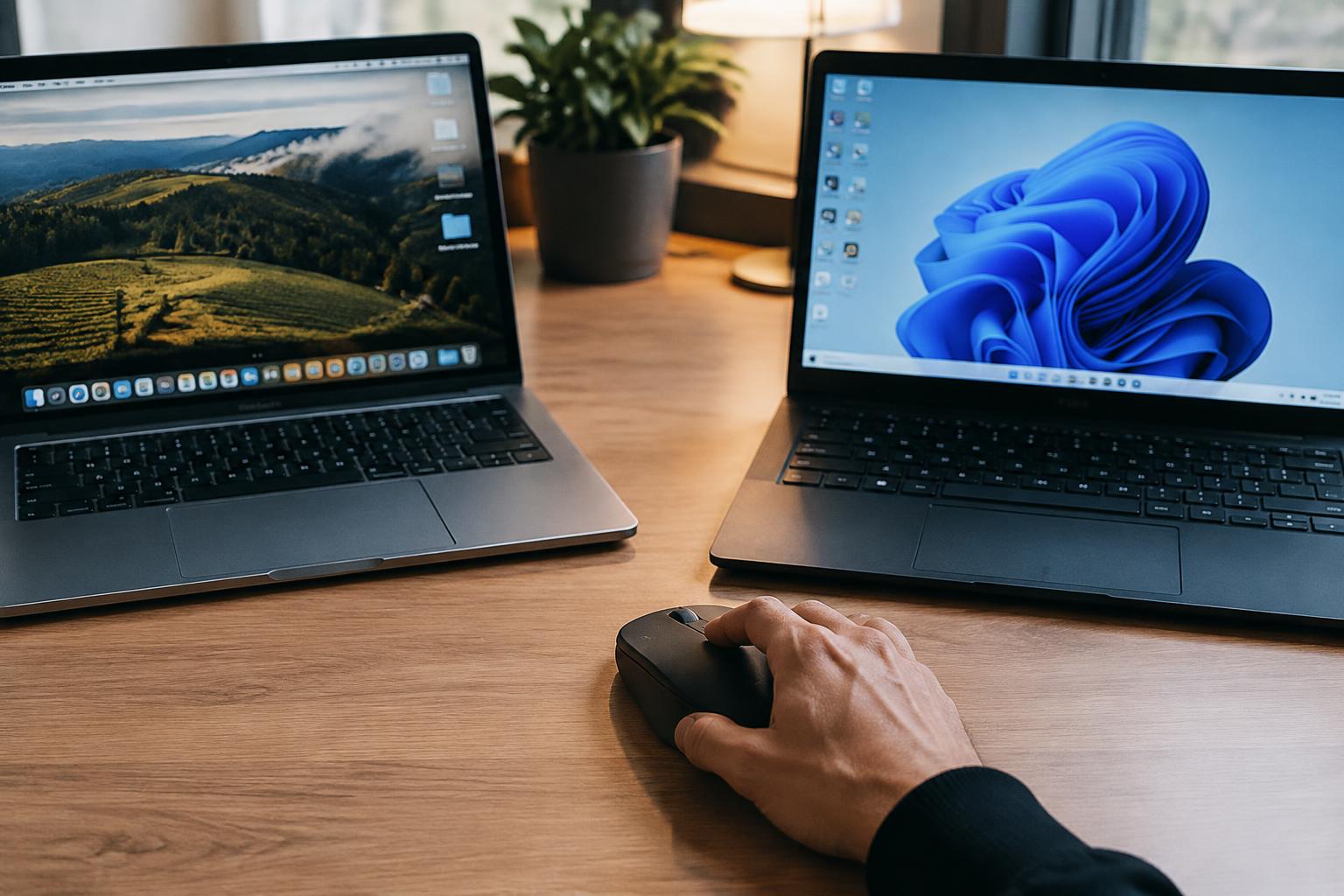
Understand how a Bluetooth mouse can switch between two computers, set it up without repeated pairing, and troubleshoot connection problems.
The world of wireless networking can be complex, especially when it comes to extending the reach of your Wi-Fi signal. With so many devices and technologies available, it’s easy to get confused about which products serve which purposes. One of the most common points of confusion revolves around the Apple Airport and its role in … Read more
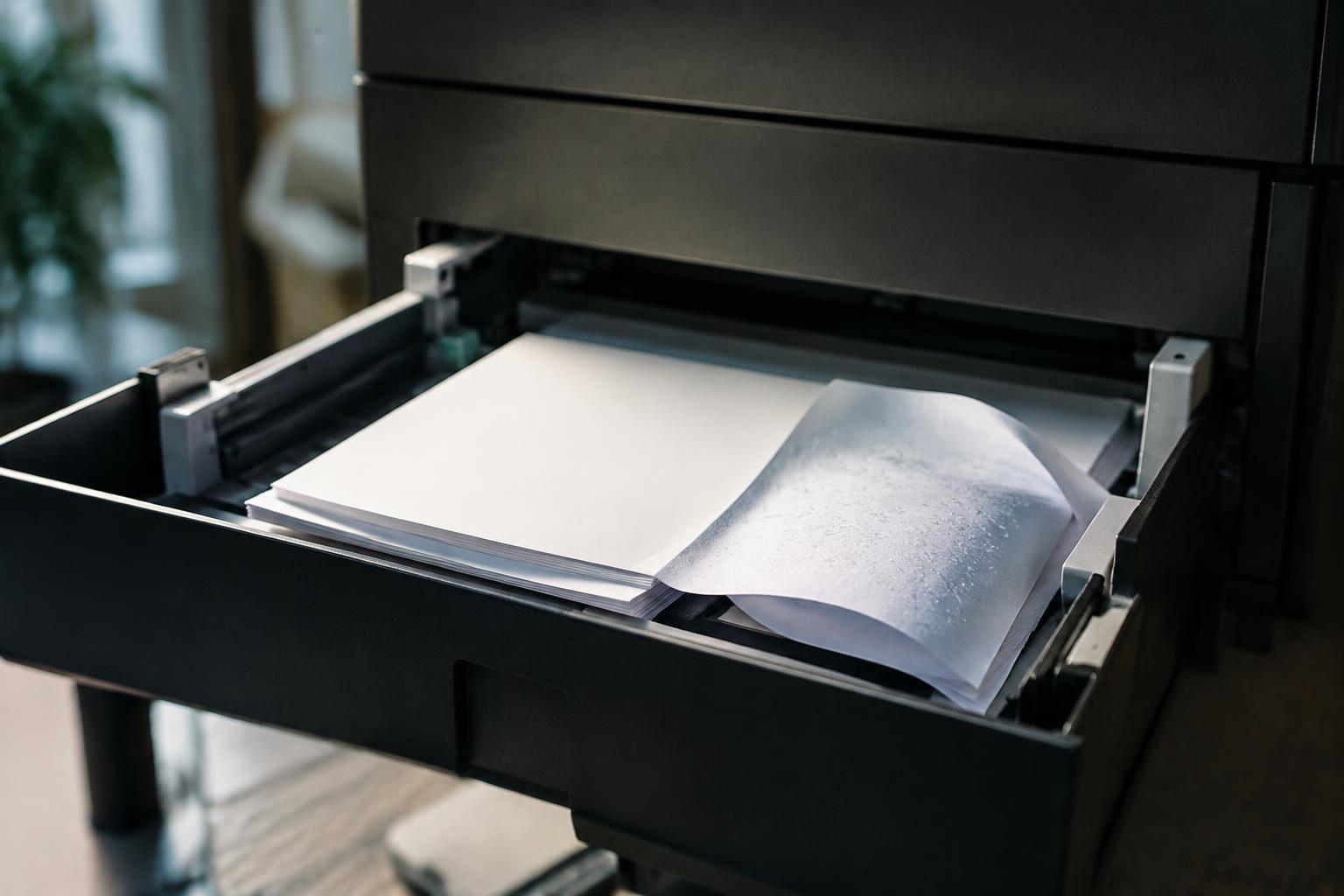
Prevent printer paper jams by managing humidity, handling curled paper, loading sheets correctly, maintaining reliable feeding, and clearing jams.
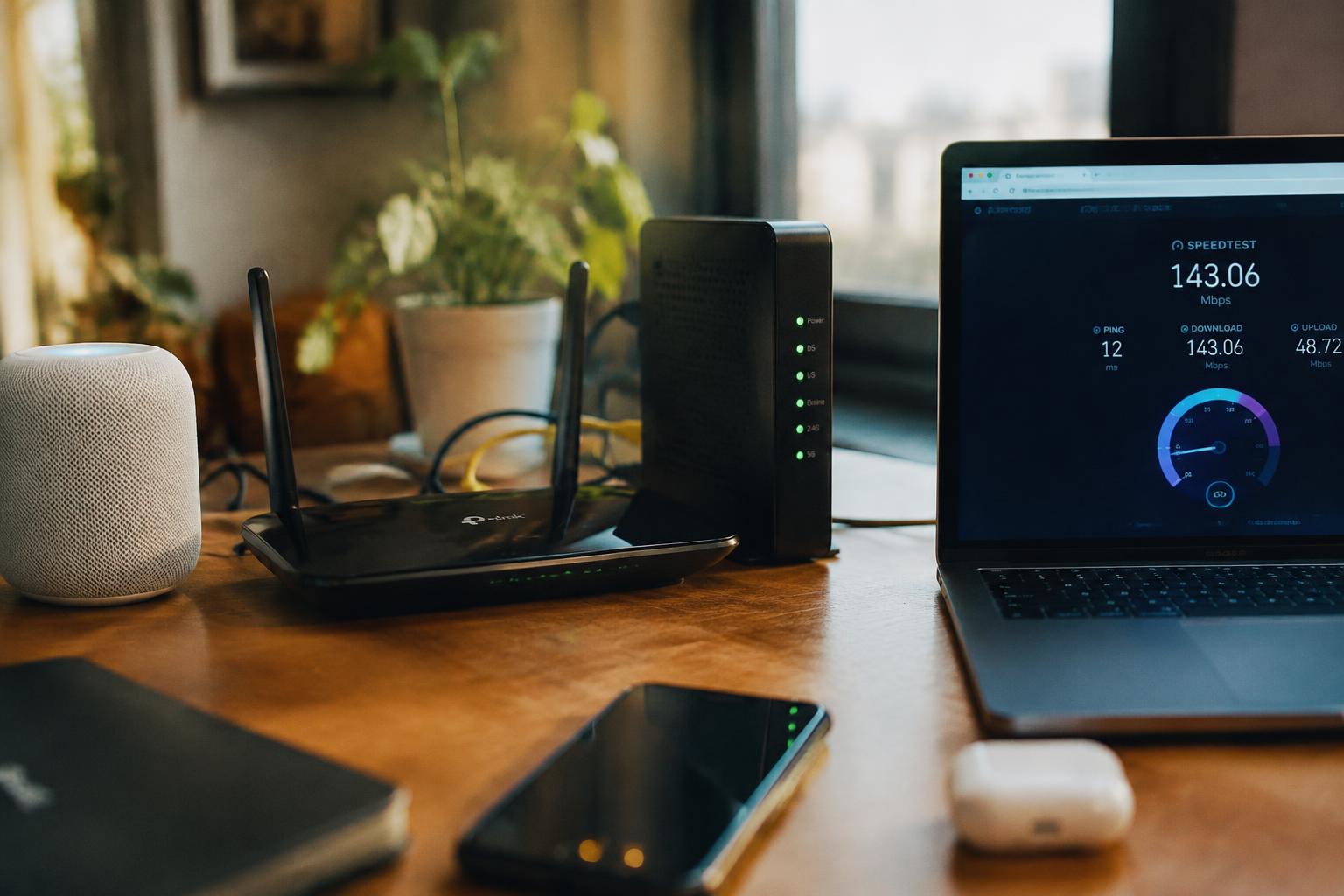
Use simple tests to tell whether WiFi interference or your ISP is causing slow internet, then find the right fix.
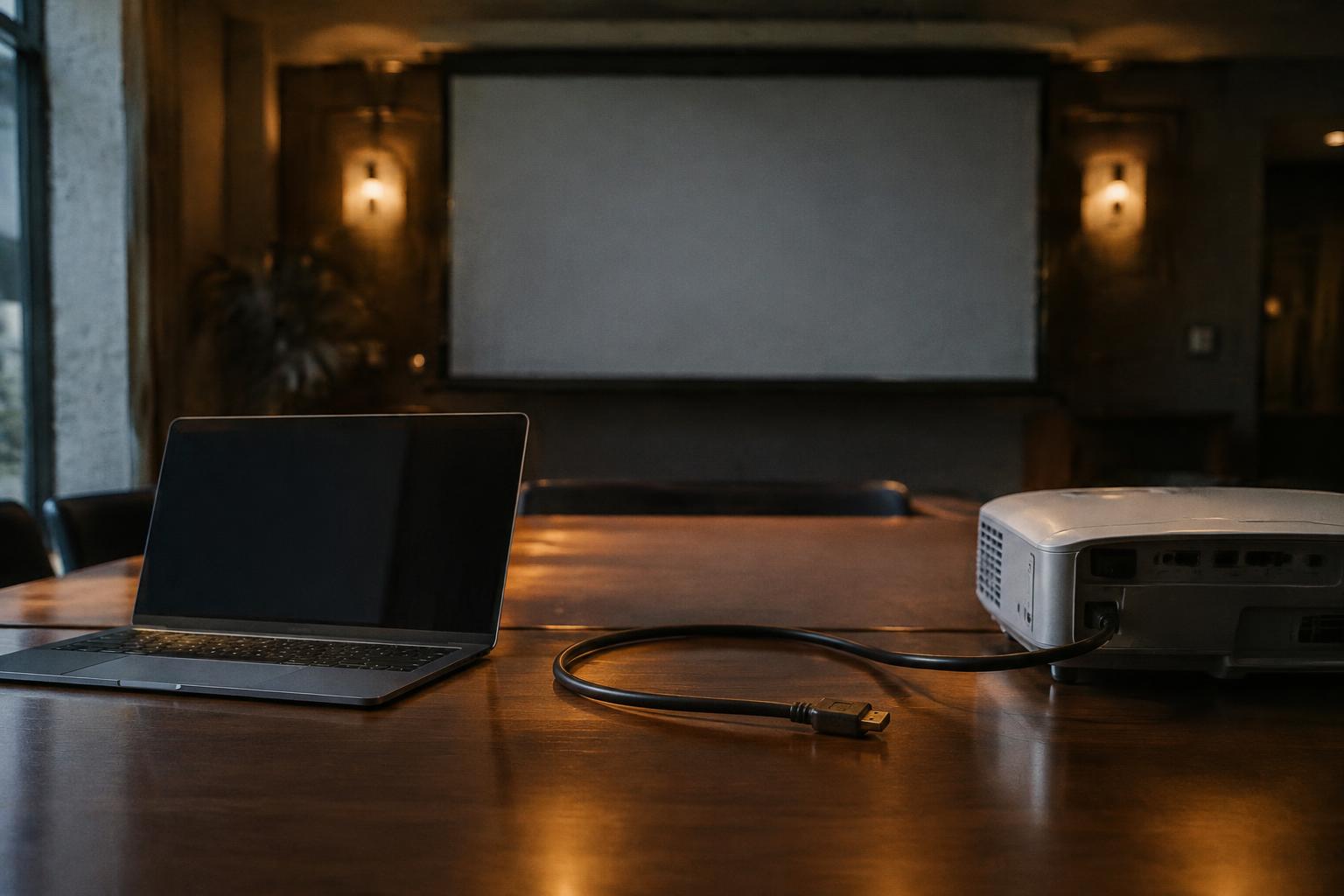
Understand why an HDMI signal drops when your laptop wakes from sleep, how to restore the projector connection, and when service may be needed.
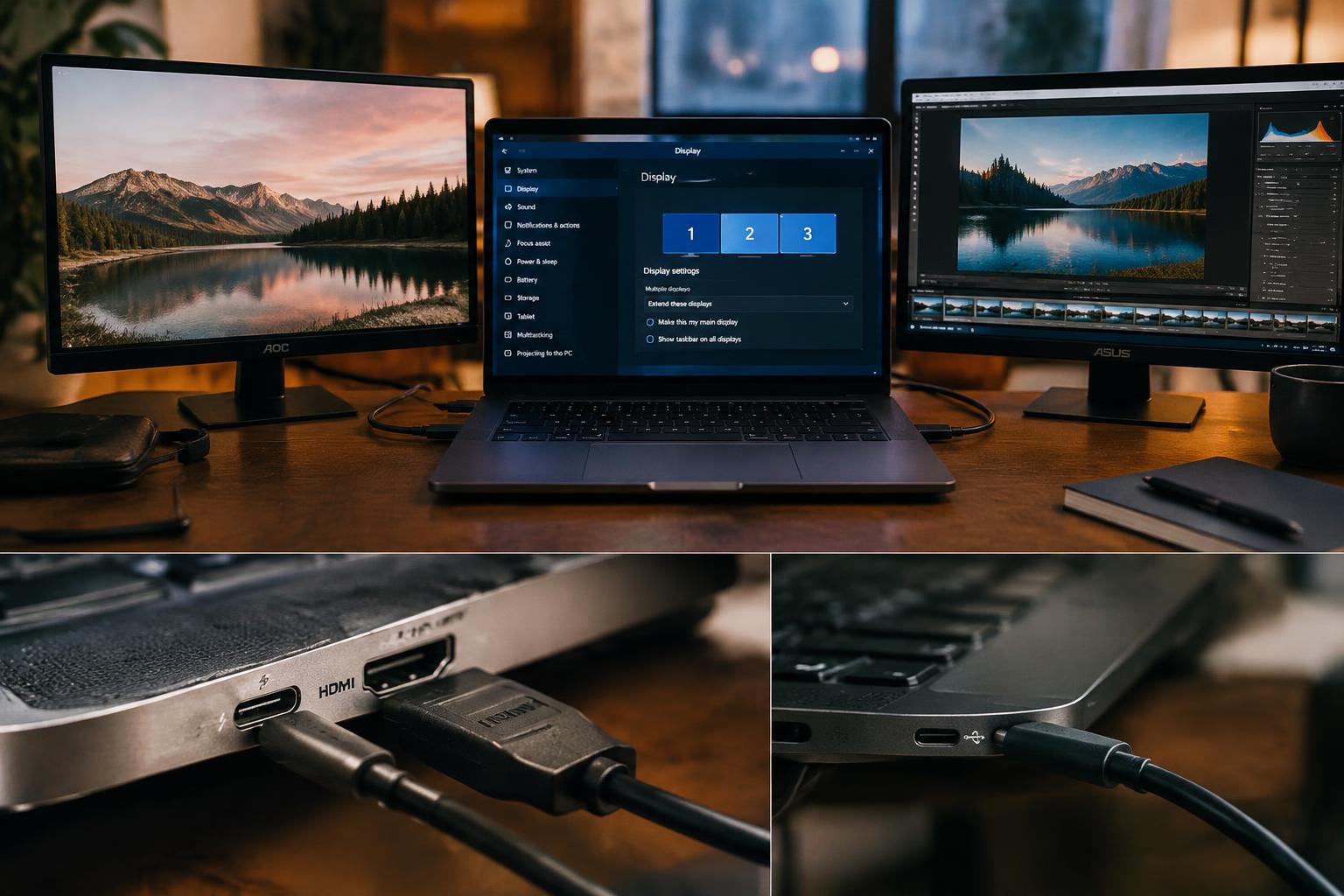
Check whether your laptop can handle two external monitors by reviewing display specifications, connections, operating system settings, and common limitations.